How to Create a QR Code for Your Restaurant Menu
A menu QR code opens a page or PDF you host. A static code is not tracked. Change the menu by editing that file, or use Dynamic QR.
By James Dom · ·
A restaurant menu QR code stores one link to a menu you already host. Guests scan with the phone camera and the browser opens that page or PDF. A static code from qrfyy does not track scans and does not update by itself. The menu changes only when you edit the file at that same link, or when the code is a Dynamic QR and you change the destination.
What a menu code does
The useful part is the reprint. One card can stay on the table while you change prices on the page behind it, as long as the address stays the same. It does not record who scanned, and it does not update the moment you edit a file that lives at a new URL. Scannability notes are in the GS1 QR guidance. The symbol itself is specified in ISO/IEC 18004.
PDF or a web page
Both are links. qrfyy does not host the menu. Pick the one you can keep at a stable https address.
| Web page | ||
|---|---|---|
| What the guest sees | A page that can reflow on a phone | A file the phone opens or downloads |
| How you change it | Edit the page and keep the same URL | Replace the file at the same URL, or use Dynamic QR if the URL changes |
| What you paste | The page link on the menu generator | The file link on the PDF generator |
A table-tent example
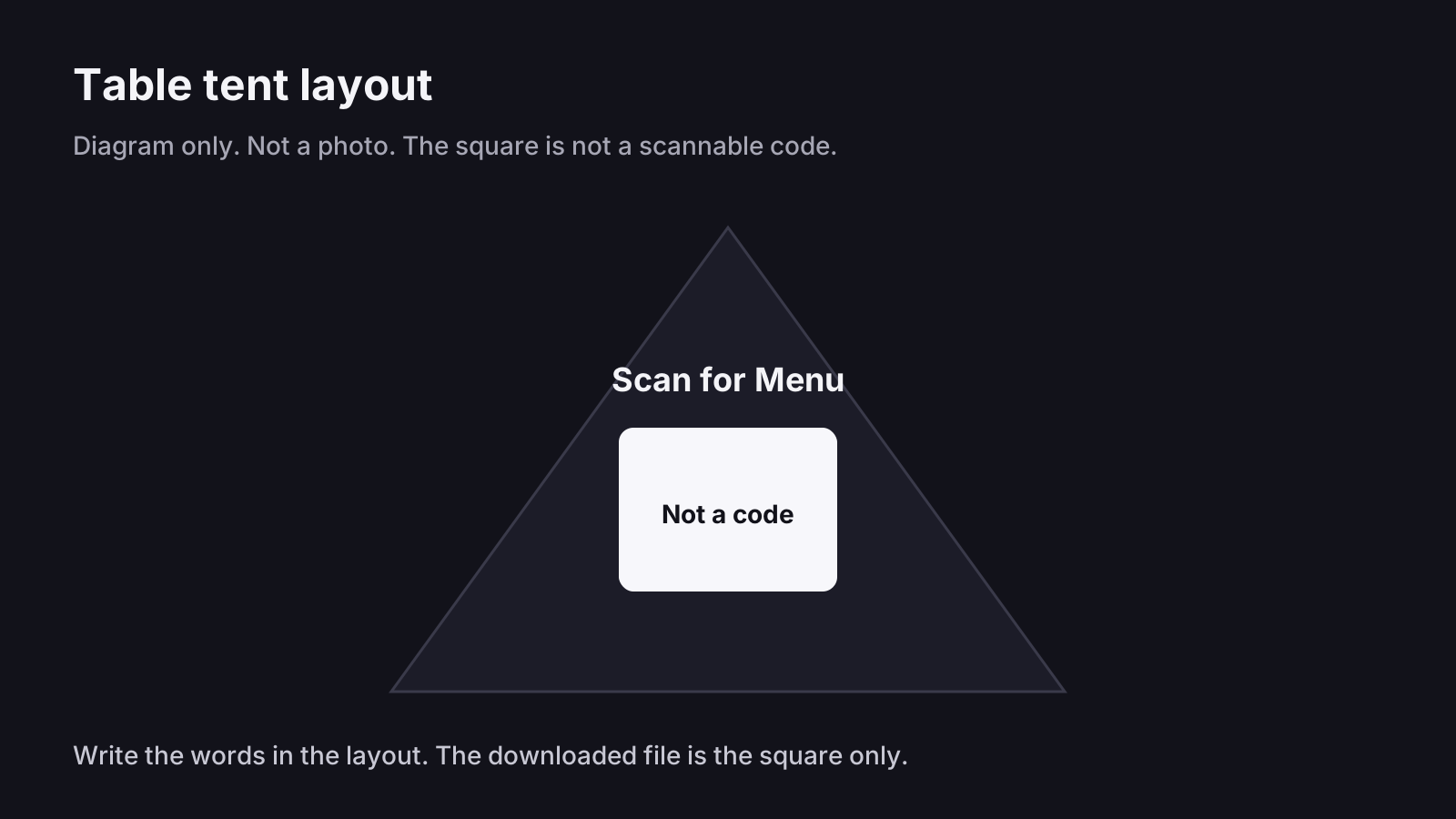
Example only: a cafe hosts today’s menu at https://example.com/menu. Paste that URL on the menu QR code generator and download SVG. In the tent layout, write Scan for Menu beside the square and leave a blank margin. qrfyy does not host example.com. The diagram is a layout, not a photo, and the square is not a working code.
Make the file
- Put the menu on a page or a public PDF you control.
- Paste that https link on the menu QR code generator or the PDF generator.
- A View menu frame shows the words on the preview. The downloaded file is the QR image, so also write Scan for Menu in the layout around it. Frames are on the frames page.
- Download SVG for a large print. PDF and EPS wrap a PNG.
- Scan a sample with a phone camera and with the scanner before you print the batch.
Where to put it
Use the tent card, the window, or the takeaway bag, and write what the scan opens. Size is a starting point, not a lab result: about one tenth of the distance from the phone to the card. Read the print size guide and test your own print. If the link will change after the cards are out, create the code on Dynamic QR first.
FAQ
Do customers need an app to open the menu?
No extra menu app. The phone camera reads the code and opens the https link in the browser. The guest still needs a connection to load the page or PDF.
Can I change the menu after the cards are printed?
Yes, if you edit the page or PDF at the same address. If the address itself must change, use a Dynamic QR before you print. A static code stores the original link.
Where should the code sit on the table?
On the tent card facing the guest, with the words Scan for Menu beside it, and a blank margin around the square. Keep it off a glossy sleeve that throws glare.
Does a static menu code track diner engagement?
No. A static code is not tracked. Only a Dynamic QR records scans, and only the fields listed on the facts page.
Ready to create your own QR code?
Try qrfyy free