How to Create a Social Media QR Code
Steps for a social QR code: one link, a label beside the square, and a test scan. qrfyy does not host the page.
By James Dom · ·
A social media QR code stores one https link. For one network, paste that profile URL. For several networks, paste a link-in-bio page you already have. qrfyy does not host that page, and a static code does not count scans. Make the file on the social generator. The symbol follows ISO/IEC 18004.
One QR for several accounts
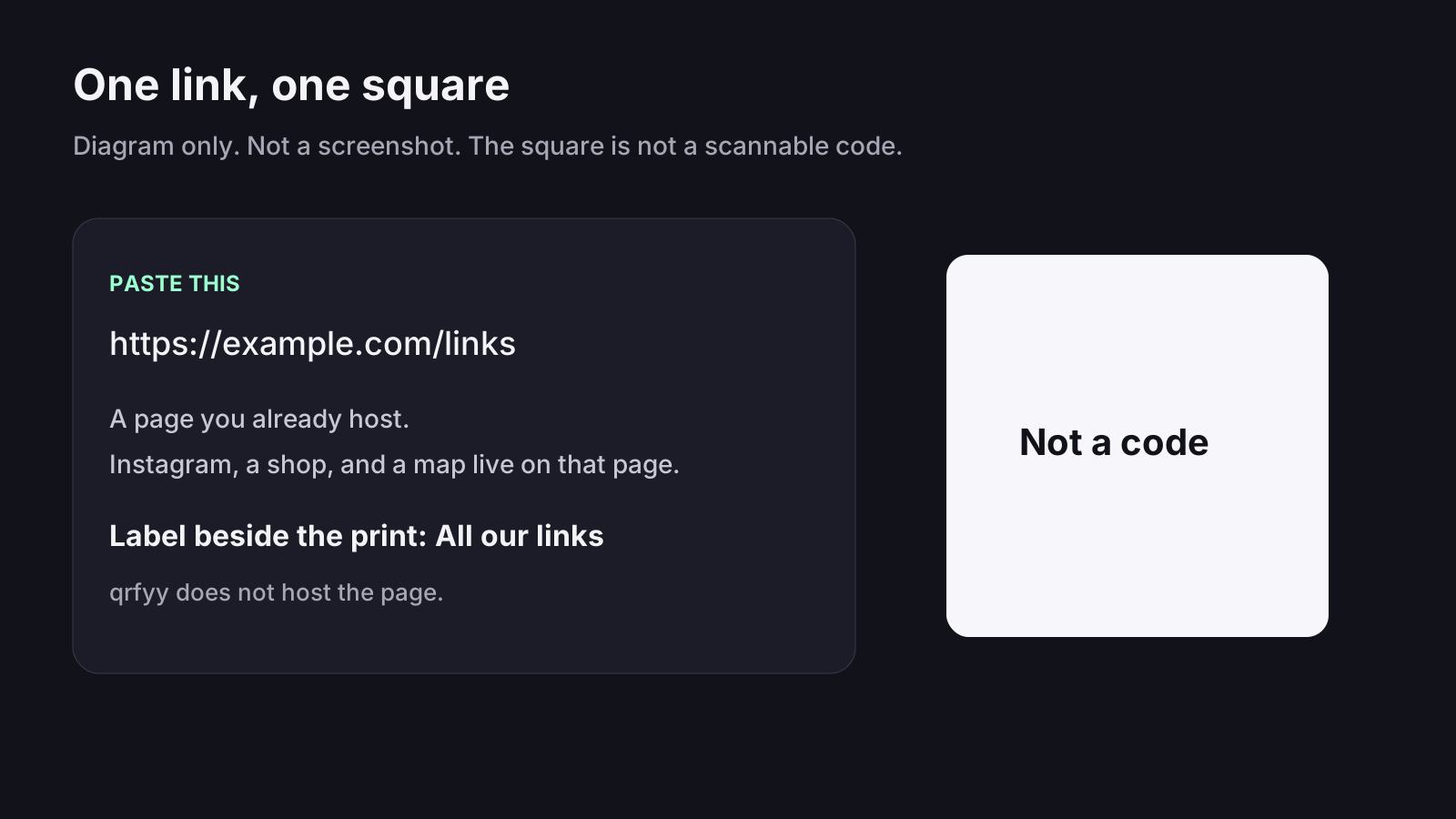
One square cannot hold two destinations. If the poster should offer Instagram, a shop, and a map, those links live on one page and the QR code opens that page. Build the page on your site or a bio tool, then paste its address. The link in bio guide is that job. If you might replace the page after the posters are up, use Dynamic QR so the printed image can follow a new URL.
What to write beside the code
- One profile: Follow us on Instagram, or the network name.
- A bio page: All our links.
- A video: Watch on YouTube, only if the URL is that video.
- Leave the words outside the square. The download is the code, not the caption.
Where to put it
A shop window needs a larger code than a business card, because people stand farther back. Packaging can use a smaller code if the buyer holds the box. A card in the hand can be small. Start from about one tenth of that distance, then scan the print. The print size guide is the rule of thumb, not a qrfyy lab test. Single-network pages: Instagram, TikTok, Facebook, YouTube, and LinkedIn.
The steps
- Copy the public https link. A username alone belongs on the Instagram page, not here.
- Open the social generator and paste it.
- Download SVG for print. PNG is enough on a screen.
- Write the label in your layout, next to the file.
- Scan it on a phone that is logged out, so you see what a stranger sees. The scanner reads the image on this device.
FAQ
Does this page generate the code?
No. Paste the link on the social media generator. This post is the walkthrough.
Can one code open Instagram and TikTok?
Only through a page that lists both. The code stores one URL. See the link in bio guide.
What if I change the bio link later?
A static code keeps the original URL. Create it as a Dynamic QR if you need to swap the page after printing.
Ready to create your own QR code?
Try qrfyy free