
QR Code for Birthday Invitation: RSVP, Map, Wishlist
Add a QR code to a birthday invitation so guests can RSVP, get directions, see the wishlist or join a group chat. Ideas, wording and print tips.
By James Dom · ·
A birthday invitation has to fit a lot onto a small card: who, when, where, what to bring, how to RSVP, maybe a dress code or a theme. Parents get the same five questions from every guest by text. A QR code on the invitation answers most of them before anyone has to ask.
This guide covers what to link the code to, how to design it so it still looks like a party invite, and how to word it so guests actually scan.
What the QR code can do on a birthday invite
Pick one main job for the code. The most useful options:
- RSVP. The code opens a simple form where guests say yes or no, how many are coming and any allergies. A free form tool works fine. If you use Google Forms, our Google Form QR code generator makes it quick.
- Directions. The code opens the venue in Google Maps. Our Google Maps QR code tool is built for this. Very handy for parks, trampoline centers and party rooms that are hard to find.
- Add to calendar. A calendar event QR code puts the date, time and place straight into the guest's calendar so nobody forgets.
- Wishlist. For kids' parties or milestone birthdays, link to a gift list or "no gifts, please donate here" page.
- Group chat. A WhatsApp QR code can open a chat with the host for questions.
- Party page. Combine everything on one simple page: details, map, RSVP button, wishlist and a photo upload link for after the party.
If you are only adding one code, a small party page with buttons is the most flexible.
Step 1: Create the party page or form
Keep it simple and phone-friendly:
- Name and age of the birthday person
- Date, start and end time
- Address with a map button
- RSVP button or form
- Theme, dress code or "bring a swimsuit"
- Gift notes
- Host phone number
You can make this page with a free website builder, a Google Doc set to "anyone with the link can view", or a simple event page.
Step 2: Make the QR code
Paste the link into the generator. If you might change details later, such as moving the party indoors because of rain, use a dynamic QR code. You can update the page or the link without reprinting the invitations.
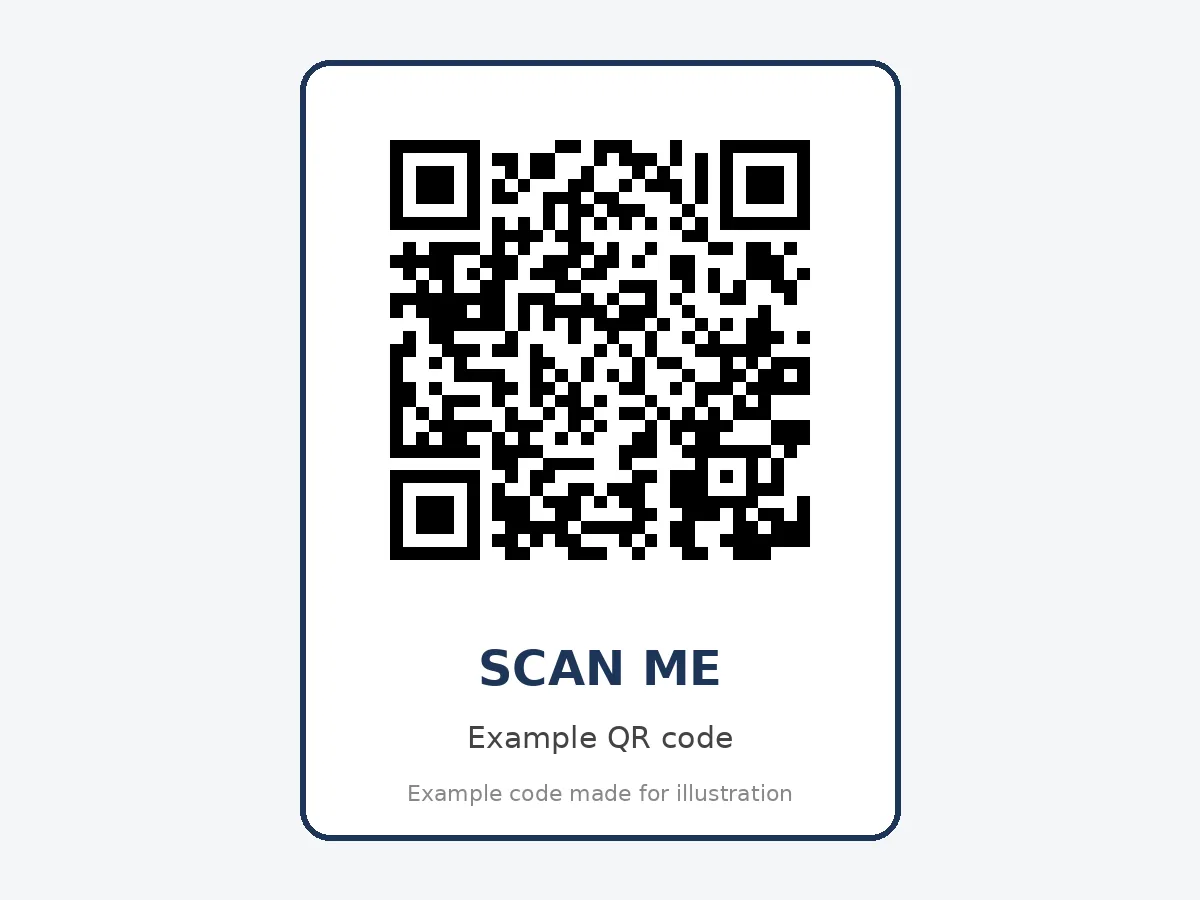
For a more festive look, change the code color to match the theme, or add a small icon in the middle with a QR code with logo. Keep the code dark enough on a light background to scan reliably. Our QR code frames add a "Scan to RSVP" label around the code.
Step 3: Design it into the invitation
The invitation should still look like an invitation, not a flyer. Tips:
- Put the code in a corner or on the back of the card.
- Print it at least 2 cm (about 0.8 inches) wide.
- Add a short line next to it: "Scan to RSVP", "Scan for map and details".
- Keep the key facts printed: name, date, time and place. Not every grandparent scans codes.
- Leave a white border around the code, even on colorful designs.
Invitation wording ideas
Here are a few lines you can use next to the code:
- "Scan to RSVP by June 10"
- "Scan for the map, parking and RSVP"
- "Can't wait to celebrate! Scan for details"
- "Wishlist and RSVP: scan here"
- "Scan to add the party to your calendar"
If you used AI to write the invitation text and it sounds stiff, try a quick rewrite for tone. Our sister site has a guide on how to humanize an AI event invitation so it sounds warm and personal.
Digital invitations work too
If you are sending invitations by WhatsApp, email or social media, you can include the same QR code as an image. A clickable link is better for guests on their phone, so add both. The code is useful when guests view the invitation on one screen, or when the invitation gets printed and stuck on the fridge.
Ideas for milestone birthdays
For 18th, 30th, 50th or 80th birthdays, QR codes can add a little more:
- Memory wall. A link where guests upload old photos before the party.
- Playlist. A shared music playlist guests can add songs to. A Spotify QR code is perfect.
- Video messages. A link where far-away friends record a short message.
- Guest book. A digital guest book for messages at the party.
Track your RSVPs without the group chat chaos
Once the code is live, the RSVP form does the counting for you. A few tips to make that work:
- Ask for the number of adults and children separately, so you can plan food and party bags.
- Add one allergy and dietary question. It saves awkward questions on the day.
- Turn on email notifications so you see each reply as it arrives.
- Send one friendly reminder two or three days before the RSVP deadline to anyone who has not answered.
A week before the party, you will have a clean list instead of forty scattered text messages.
Test before printing
Scan the code on at least two phones, from both iPhone and Android, and check:
- The link opens the right page.
- The RSVP form submits correctly.
- The map pin is in the right place.
- The page loads on mobile data, not just WiFi.
Our checklist on how to test a QR code before printing has more detail. Print one copy at home first to check the size.
Privacy tips
Party pages often include a home address and children's names. To keep it safe:
- Do not post the link publicly on social media.
- Use a link that is hard to guess.
- Remove the address from the page after the party.
- Keep children's photos in a private album.
Common mistakes
- Printing the code too small or on a dark, busy background.
- Leaving out the date and time on the card itself.
- An RSVP form that asks for too much.
- Forgetting the RSVP deadline.
- Linking to a page that needs a login.
Use the same idea for other parties
The same setup works for baby showers, graduations, anniversaries and retirement parties. For weddings, see our dedicated guide to wedding QR codes, which covers RSVPs, schedules and photo sharing for bigger events.
FAQ
How do I put a QR code on a birthday invitation?
Create an RSVP form or party page, generate a QR code for the link, then place the code image in your invitation design before printing.
What should a birthday invitation QR code link to?
The most useful options are an RSVP form, a map, a calendar event or a single party page that includes all of them.
How big should the QR code be on an invitation?
At least 2 cm wide. Larger is fine if the design allows it.
Can I change the details after printing?
Yes, if you use a dynamic QR code or update the page it links to.
Do older guests know how to scan QR codes?
Many do, but always print the key details on the card too, so everyone has the information.
Ready to create your own QR code?
Try qrfyy free