QR Codes for Airbnb Hosts: WiFi, Guide & Reviews
The QR codes every Airbnb or holiday rental host should print: WiFi, house guide, directions, and reviews. Free, no signup, with placement tips.
By James Dom · ·
If you host on Airbnb, Booking.com or Vrbo, you probably answer the same questions every week. What's the WiFi password? Where do I park? What time is checkout? None of these are hard questions. They just come at 11 pm, while you're out to dinner or asleep.
A few well-placed QR codes cut most of those messages. Guests scan with their phone camera, get the answer, and get on with their holiday. You won't need an app or a subscription, and you won't be reprinting a binder every time something changes.
This guide covers the five codes most hosts end up using, which kind of code to choose for each (that choice matters more than design), and where to put them so guests actually scan.
Static vs dynamic: decide this first
There are two kinds of QR code, and picking the wrong one is the only mistake here that costs you a reprint.
- A static QR code stores the information inside the pattern itself, whether that's a link, a WiFi login or a phone number. It works forever and never depends on a server. You can't edit it after printing.
- A dynamic QR code stores a short redirect link. You can change where it points at any time, and you can see how often it's scanned.
For a rental, a simple rule works: use static for WiFi, and dynamic for anything you might update. That means the house guide, check-in instructions and local tips. If you want to dig deeper, we explain the difference in static vs dynamic QR codes.
qrfyy's Dynamic QR generator is free for up to 20 codes, which is more than enough for one or two properties.
1. The WiFi QR code (static)
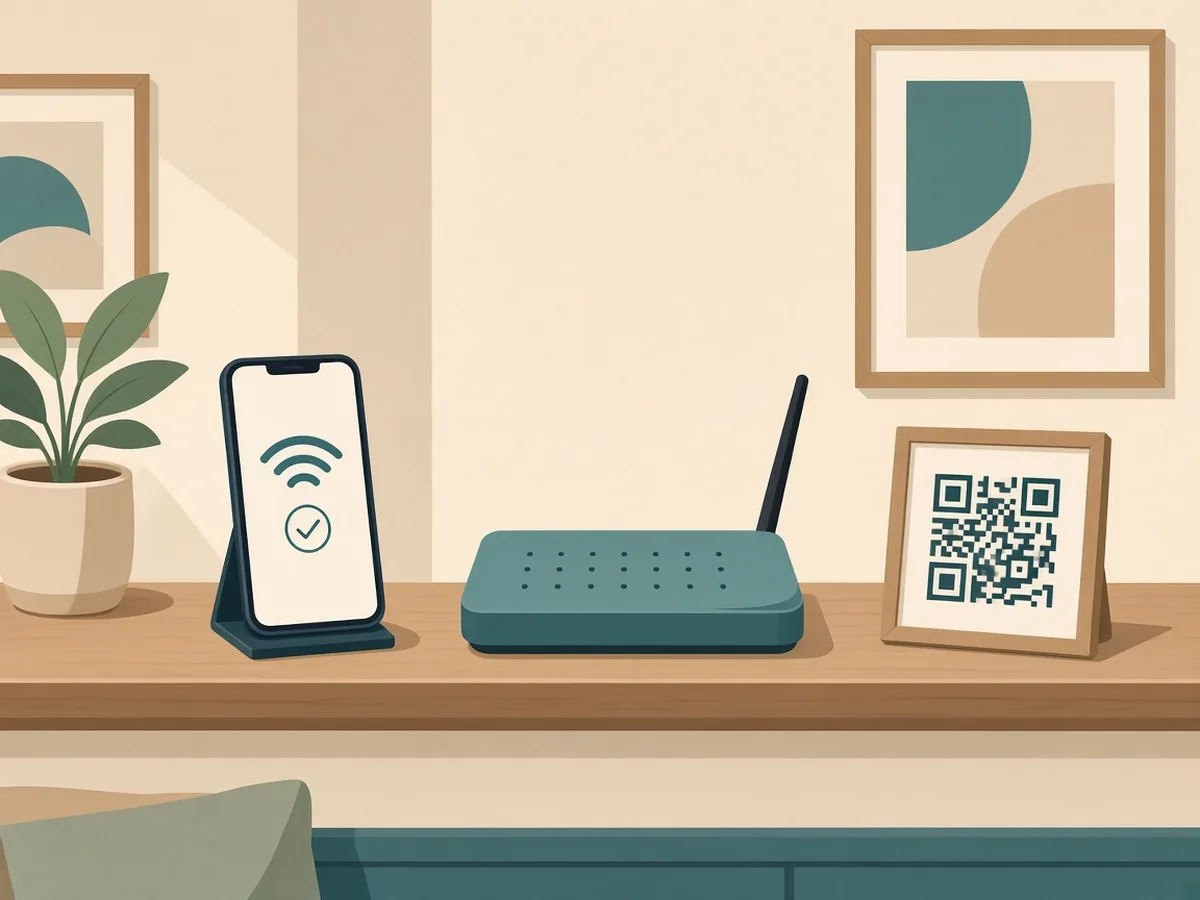
This is the one guests thank you for. A WiFi QR code holds your network name, password and security type, so the phone joins the network without anyone typing a 20-character password off a fridge magnet.
Make one with the free WiFi QR code generator:
- Enter the network name (SSID) exactly as it appears, including capitals.
- Enter the password and choose the security type (usually WPA/WPA2).
- Download it as PNG for a quick print, or SVG if a designer is making your welcome card.
- Test it on an iPhone and an Android phone before you laminate it.
One catch: because the password lives inside the pattern, changing your WiFi password means printing a new code. If you rotate passwords between stays, skip the printed WiFi code and put the details in your house guide instead.
Where to put it: next to the router, on the welcome card and inside the front door. Write "Scan to join WiFi" above it. Hosts who label their codes get far more scans than hosts who don't.
2. The house guide QR code (dynamic)
Your house manual is where all the details live: how the heating works, trash day, the quirky shower, house rules, emergency contacts. Most hosts keep it as a Google Doc, a PDF or a page on a free site builder.
Point a dynamic QR code at that link. When something changes, like a new coffee machine, a different bin day or new quiet hours, you edit the document or swap the destination. The printed code stays the same.
If your manual is a PDF, our guide to QR codes for PDFs covers how to host the file so the link doesn't break. If it's a Google Doc, set sharing to "Anyone with the link can view" first. The Google Drive QR code page walks you through it.
What to put in the guide, roughly in the order guests look for it:
- A short welcome note with your first name
- Check-in: the address, door or lockbox code, and a photo of the entrance
- WiFi details (as a backup to the printed code)
- House rules: five to eight short ones
- How the appliances work: AC or heating, TV, washer
- Trash and recycling
- Parking and transport
- Local recommendations
- Emergency numbers and the nearest hospital
- Checkout steps
3. The directions QR code (static or dynamic)
Guests get lost in the last 200 metres more than anywhere else. A QR code that opens your exact pin in Google Maps solves that, and it's even more useful for a rental that's hard to find, like a back entrance, a gated compound or a rural property.
Use the Google Maps QR code generator and paste the share link for your pin. Put this one in your pre-arrival message as a link, and print it on the welcome card for guests heading out to explore.
You can also make one code per local recommendation, such as the best breakfast spot, the beach car park or the late-night pharmacy. That's especially handy if you laminate a "Local favourites" card.
4. The review QR code (static)
Reviews drive bookings, and the easiest moment to ask is at checkout, while the stay is still fresh. On Airbnb itself, reviews happen through the app. If you also run a direct-booking site or have a Google Business Profile for your property, a review QR code helps.
The Google Review QR code generator turns your review link into a code that opens the review form in one scan. Put it on the checkout card with a short, friendly line: "Loved your stay? A quick review helps a small host like us."
Hosts often pair this with a private feedback form (a Google Form QR code works well), so a broken shower head reaches you directly instead of ending up in a public review.
5. The host contact QR code (static)
For urgent problems, give guests a one-scan way to reach you. A WhatsApp QR code opens a chat with your number already filled in, which works well for international guests who don't want to pay for calls. If your guests mostly call, use a phone number QR code instead.
Label it clearly, something like "Locked out or something broken? Message the host." That stops it being used for questions the house guide already answers.
Where to place your codes
| Spot | Code | Why it works |
|---|---|---|
| Inside the front door | Welcome card: WiFi + house guide | Guests see it with their luggage still in hand |
| Next to the router | WiFi | Where people go when the connection drops |
| Fridge door | House guide | Everyone opens the fridge within the first hour |
| Bedside table | House guide + host contact | Where late-night questions happen |
| By the door on the way out | Checkout steps + review | Catches guests at the right moment |
Printing tips so your codes actually scan
- Size: print each code at least 3 cm (about 1.2 in) wide for a card someone holds. Go bigger for wall signs. Our QR code print size chart covers the scan distance rule.
- Contrast: dark code on a light background. If you change the colours to match your décor, keep strong contrast and test again.
- Frames help: a QR code frame can show Scan Me or WiFi on the preview. Those words are preview-only, so also print a short label on the card.
- Logo: you can add a small one with the QR code with logo tool. Keep it small and test it.
- Protect it: laminate the cards or use a picture frame. Kitchens and bathrooms are rough on paper.
- Test before printing: use more than one phone, in normal room lighting. Our pre-print checklist takes five minutes.
A simple setup you can finish this afternoon
- Make the WiFi code (static) and print it twice: one for the router, one for the welcome card.
- Write your house guide as a Google Doc or PDF, then point a dynamic code at it.
- Make a maps code for your entrance pin.
- Make a WhatsApp or phone code for urgent contact.
- Put the review code on a checkout card.
- Laminate everything, place it using the table above, and scan each code once in place.
That's five codes, all free and with no account needed for the static ones, and fewer late-night messages from your next guest onwards.
Your digital guidebook is the page guests read most. If you wrote the house rules or the welcome note with ChatGPT, make the AI-written text sound warmer and more personal so it reads like a host, not a template.
FAQ
Do QR codes for Airbnb expire?
Static QR codes never expire, because the information is stored in the pattern. Dynamic codes depend on the service that hosts the redirect. On qrfyy, Dynamic QR is free with no paid plan to lapse. See do QR codes expire? for details.
Can guests join WiFi without an app?
Yes. The built-in camera on modern iPhones and Android phones reads WiFi QR codes and offers to join the network. No extra app is needed.
What if I change my WiFi password?
A static WiFi QR code stores the old password, so you'll need to make and print a new one. Keep a spare card template ready, or put the WiFi details in your editable house guide instead.
Can I track how many guests scan my house guide?
Yes, if you use a dynamic code. qrfyy's Dynamic QR records the time, device category, browser, operating system, and the referring page host and path when the browser sends one. Country is stored only when the network sends a country header; otherwise it is Unknown. Full IP addresses are not stored, and scan details are kept for 90 days. Static codes aren't tracked. See how to track QR code scans.
Is it safe to put my door code behind a QR code?
Anyone who scans the code can see what it opens. Keep door and lockbox codes in a private message sent before arrival, or behind a separate link you share only with confirmed guests. Don't put them in a code that's visible from outside.
Will one QR code work for Airbnb, Booking.com and Vrbo guests?
Yes. A QR code just opens a link or stores data, so it works for guests from any platform, including direct bookings.
Ready to create your own QR code?
Try qrfyy free