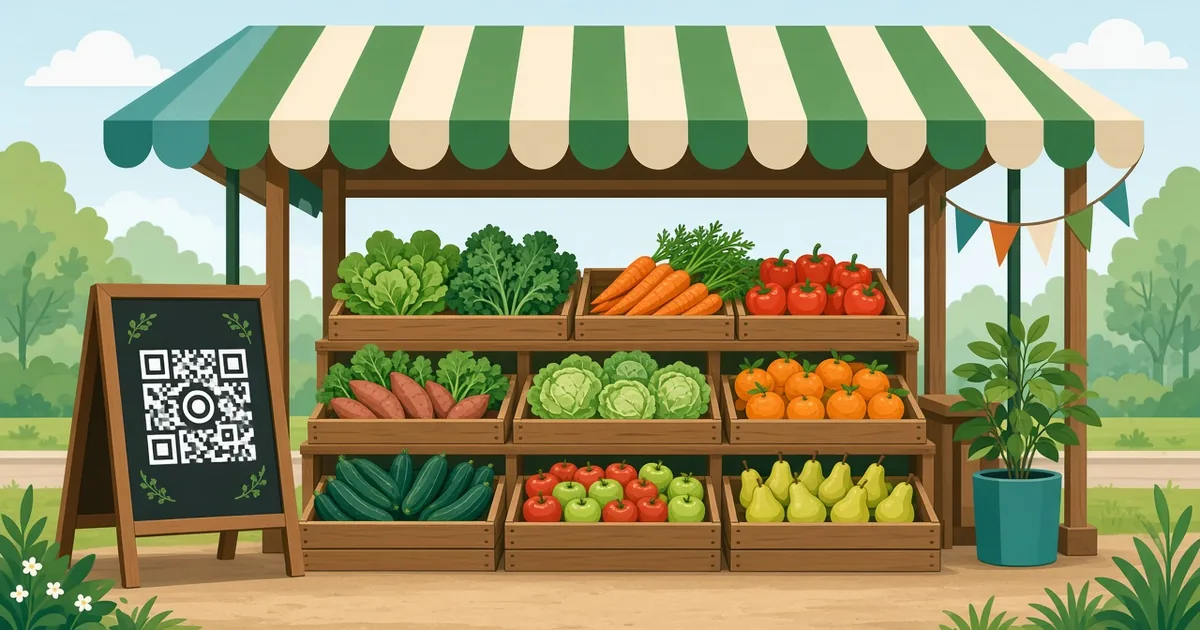
QR Code for Farmers Market Stall: Sell More, Faster
Use QR codes at your farmers market stall for payments, preorders, social media, recipes and reviews. Sign ideas, setup steps and tips for small growers.
By James Dom · ·
A farmers market stall is busy for a few hours a week, and you're often serving customers with one hand and weighing tomatoes with the other. There's no time to explain your website, spell out your Instagram handle or count change for every sale. A few well-placed QR codes do that work for you: customers pay, follow you, preorder next week's box or leave a review, all without slowing down the line.
This guide covers the most useful QR codes for market vendors, how to set them up and how to display them so customers actually scan.
The most useful QR codes for a market stall
1. Payment QR code. Let customers pay by phone. Depending on your country, this could be a GCash QR code, Maya QR code, PayPal QR code, Venmo QR code or Cash App QR code. Our QR Ph for small business guide covers payments in the Philippines.
2. Social media QR code. So customers can follow you for weekly updates. Use an Instagram QR code or Facebook QR code.
3. Preorder form. Let regulars order next week's eggs, vegetable box or bread. A Google Form QR code is easy to set up.
4. WhatsApp order line. Customers message you directly with a WhatsApp QR code.
5. Review QR code. A Google review QR code helps new customers find you.
6. Recipes. A code next to unusual produce linking to recipes. "What do I do with kohlrabi?" becomes a sale.
7. Your farm story. A short page or video about how and where you grow.
You don't need all of them. Most stalls do well with two or three: payment, social media and preorders.
Step 1: Choose your main goal
What would help your stall most?
- Faster checkout? Start with a payment code.
- More repeat customers? Start with social media or a preorder form.
- More new customers? Start with a review code.
- Selling unusual produce? Start with recipe codes.
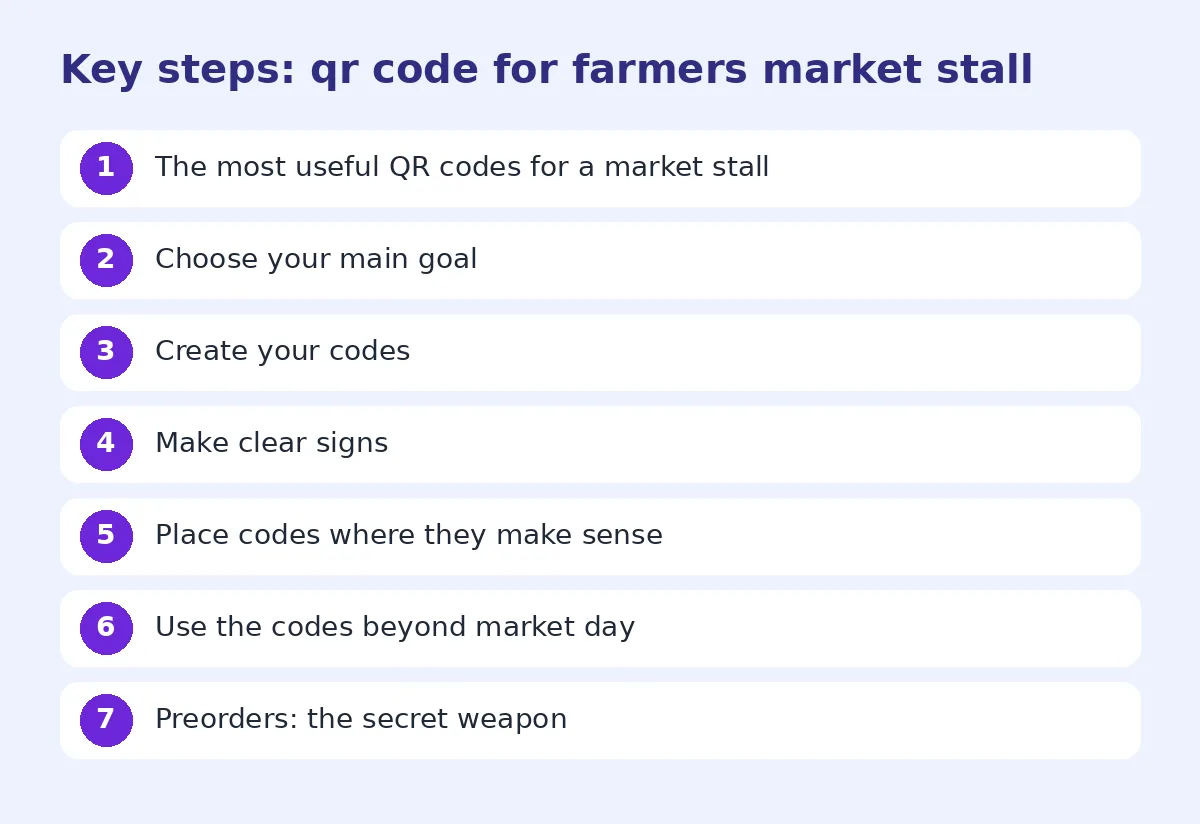
Step 2: Create your codes
Generate each code and test it on your own phone. For payment codes, make a small test payment to be sure the money goes to the right account. Use a dynamic QR code for preorder forms and recipes, so you can update them weekly without reprinting signs.
Step 3: Make clear signs
Market stalls are crowded and outdoors, so signs need to be bold:
- Size: at least 10 cm wide for codes people scan from the front of the table. Larger for codes on a banner.
- Contrast: black on white or very dark on light. See change QR code color safely.
- Label: short and clear: "Scan to pay", "Preorder next week", "Follow us".
- Material: laminated card, acrylic stand or a waterproof sign. Our QR code for tarpaulin guide covers big outdoor banners.
Use different colors or icons for different codes, so customers don't scan the review code when they want to pay.
Step 4: Place codes where they make sense
- Payment code: next to the scale or cash box, where customers pay.
- Social media: on the front banner or on a sign at the back of the stall.
- Preorder form: on bags, boxes and receipts so customers find it at home.
- Review code: on a small card in each bag.
- Recipes: next to the produce they relate to.
Use the codes beyond market day
Codes work best when they follow the produce home:
- Stickers on egg cartons and jam jars
- Cards in vegetable boxes
- Stamps on paper bags
- Business cards with a vCard QR code
A customer who loved your strawberries can scan the sticker at home and preorder next week.
Preorders: the secret weapon
Preorders help you plan harvests, reduce waste and guarantee sales. A simple form asks:
- Name and phone
- What they want and how much
- Which market day they'll collect
Share the form link in your social posts and with your WhatsApp contacts too. Close orders a day or two before the market so you can pick and pack.
Payments: tips for market vendors
- Keep a printed payment code at the stall even if you have a card reader. Batteries die.
- Show a sign with your account name, so customers know they're paying the right person.
- Ask customers to show their payment confirmation before leaving.
- Keep some cash change for customers who don't use mobile payments.
For more, read are QR codes safe, which covers payment fraud tips such as checking for fake stickers placed over your code.
Track what works
Use dynamic codes to see which signs get scanned. If your recipe codes get lots of scans, add more. If nobody scans the banner code, move it closer to the table. Ask regular customers what they use.
Common mistakes
- Small codes on a busy table.
- Too many codes without labels.
- Payment codes that send money to the wrong account.
- Signs that blow away or get wet.
- Preorder forms that are too long.
Make your stall easy to find online
Many people discover markets on their phones. Make sure your social media profile says which markets you attend and when, and post each week before market day: what's in season, what's limited, and a reminder about preorders. Pin a post with your preorder link. A customer who follows you after scanning your stall sign will see these updates and is much more likely to come back next week rather than buying from the stall next door.
Work with the market organizer
Some markets have their own QR code map, vendor directory or social media page. Ask the organizer to link to your page or preorder form, and share their posts in return. Shared promotion helps the whole market grow, which brings more customers to your stall.
A sample stall setup
Here is a simple setup that works for many vendors. On the front of the table, a laminated A5 sign with the payment code and your account name. On the banner above the stall, a large social media code with "Follow for weekly harvest updates". In every bag, a small card with the preorder code on one side and the review code on the other. Next to unusual produce, small recipe tags. Four placements, each with one clear job, and nothing that slows down a busy Saturday morning queue.
FAQ
What QR codes should I have at my farmers market stall?
Most stalls benefit from a payment code, a social media code and a preorder form.
How big should a QR code be on a market sign?
At least 10 cm wide for scanning across a table, larger for banners.
Can customers pay with a QR code at a market?
Yes, with mobile payment apps like GCash, Maya, PayPal, Venmo or Cash App, depending on your country.
How do I take preorders with a QR code?
Create a short online form and put the QR code on signs, bags and boxes.
How do I protect my payment QR code from fraud?
Check your sign regularly for fake stickers and show your account name clearly.
Ready to create your own QR code?
Try qrfyy free