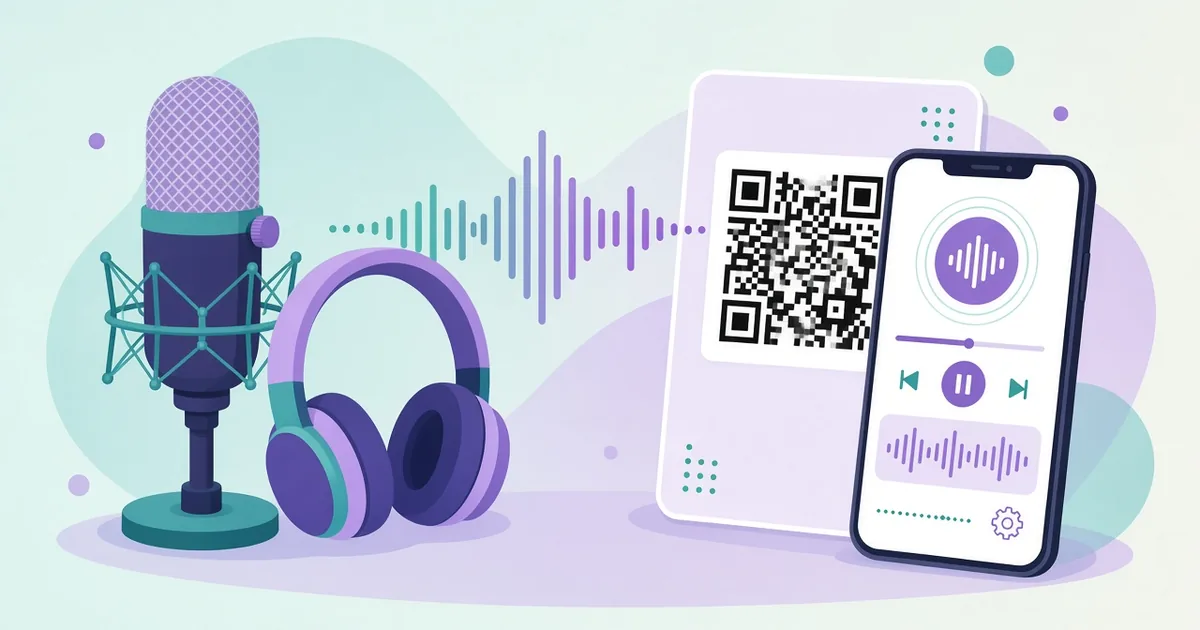
QR Code for Podcast: Get More Listeners From Print
Create a QR code for your podcast that opens your show on Spotify, Apple Podcasts or a landing page. Where to print it, design tips and tracking.
By James Dom · ·
Podcasts are easy to listen to and surprisingly hard to find. When someone hears about your show at an event, on a sticker or in a magazine, they have to remember the name, type it correctly into an app, and pick your show out of a list of similar titles. Most people never get that far. A QR code takes them straight to your show in one scan, ready to press play.
This guide covers what to link to, where to put the code and how to measure whether it is actually bringing listeners.
What your podcast QR code should open
You have a few options:
- Your show on Spotify. Simple and popular. Our Spotify QR code generator creates it from your show link.
- Your show on Apple Podcasts. Ideal if most of your audience uses iPhones.
- A YouTube channel. If you publish video episodes, use a YouTube QR code.
- A landing page with all platforms. Buttons for Spotify, Apple, YouTube and others. This is the best choice for a mixed audience.
- A specific episode. Great for guest promotion or a talk where you discussed one topic.
If you're not sure, use a landing page. Nobody likes being sent to an app they don't use. A link in bio QR code style page works well.
Step 1: Pick the right link
Use the official share link from your podcast platform, or your own website page. Avoid long tracking links that you might lose access to. If you plan to switch hosting or platforms later, use a dynamic QR code so the printed code keeps working.
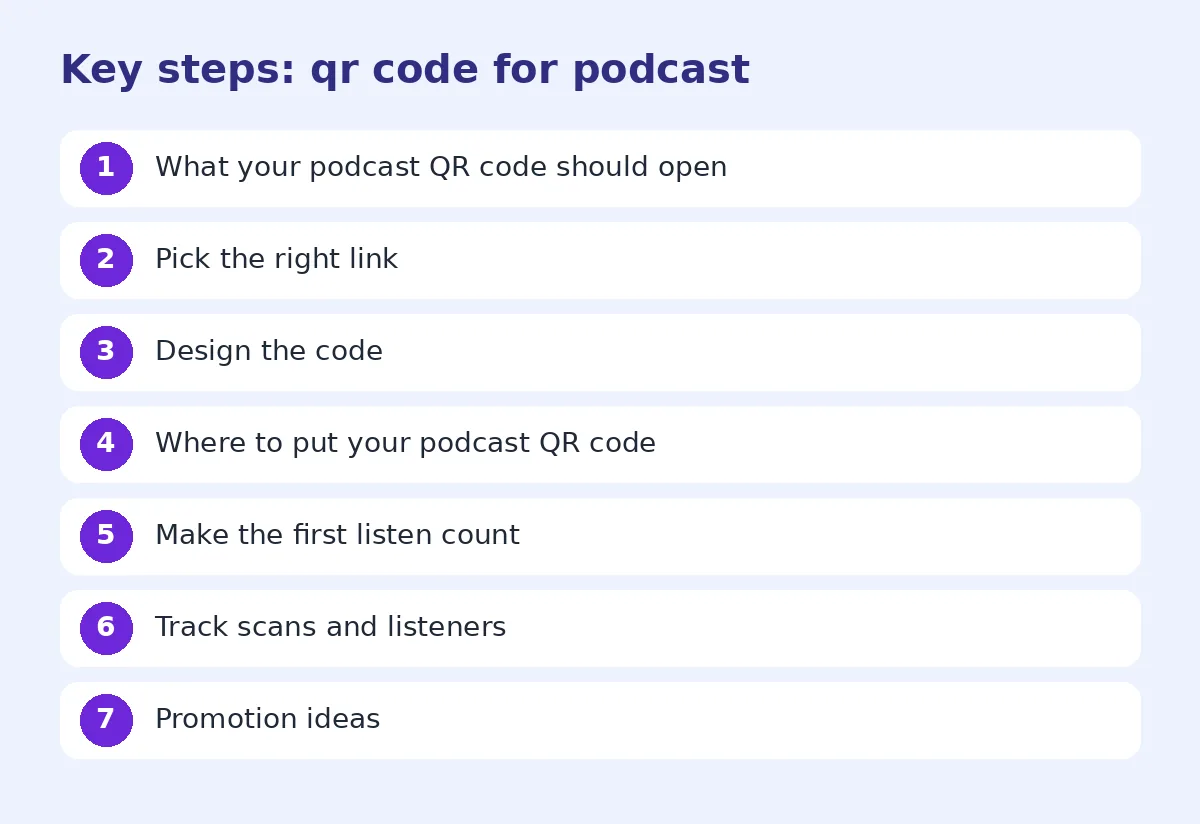
Step 2: Design the code
Your code can match your podcast branding:
- Use your cover art colors, but keep good contrast.
- Add your logo in the center with a QR code with logo.
- Add a frame with "Listen now" or "Scan to listen". See QR code frames.
Our custom QR code logo and colors guide covers what's safe to change.
Where to put your podcast QR code
Events and talks. Put the code on your last slide, on the stage banner and on table cards. People can follow you while you're still speaking.
Business cards. A small code on the back, or include it in a vCard QR code with your contact details.
Stickers and merch. Laptop stickers, mugs and t-shirts with a "Scan to listen" code.
Posters and flyers. In cafés, coworking spaces, universities and bookshops. Our QR codes for flyers and posters guide has layout tips.
Books and printed guides. If you have a book or workbook, link to the related episodes.
Product packaging. For brand podcasts, add the code to boxes or inserts.
Guest promotion. Give guests a ready-made image with a QR code to their episode, so they can share it easily.
Make the first listen count
The QR code gets people to the show. The first episode decides if they stay. On your landing page, recommend a "start here" episode rather than just the latest one. Pick an episode that shows what your podcast is about and has strong audio.
Track scans and listeners
With a dynamic code, you can track QR code scans by date and location. Use different codes for different places, such as one for event banners and one for stickers. After a month, you'll see which places bring listeners.
Combine scan data with your podcast stats. If you see a spike in new listeners after an event, the code probably helped.
Promotion ideas
- Episode trailers. Link to a 60-second trailer for new listeners.
- Listener questions. A code to a form where people can submit questions for the next episode.
- Live recordings. A code on the event ticket that opens the recording later.
- Sponsor reads. Ask sponsors to include your code on their materials.
- Audio clips. Share a highlight with an audio QR code.
Common mistakes
- Linking to one app when your audience uses many.
- Printing a code too small to scan on posters. See our QR code size for printing guide.
- Using low-contrast colors from your branding.
- No call to action.
- Linking to a page that is slow or full of pop-ups.
Test it
Scan from iPhone and Android, with and without the podcast apps installed. Check that the page opens quickly, the play button works, and links to each platform open correctly.
Write show notes that help people stay
When a new listener lands on an episode page from a QR code, the show notes are often the first thing they read. Keep them short and useful: one or two lines about the topic, the guest's name and role, timestamps for key parts, and links mentioned in the episode. Avoid pasting a long, generic summary. Specific notes help listeners decide in a few seconds that the episode is worth their time, and they also help the page show up in search.
Keep the code working for years
Printed materials stay around for a long time. A sticker on a laptop or a poster in a café can still be scanned two years later. That is why the destination matters. If you ever rename your show, move hosting or change platforms, a static code pointing to an old link will break. A dynamic code, or a landing page on your own domain, lets you redirect old codes to the new home. Check your printed codes every few months, and keep a list of where each one was used. Our guide to whether QR codes expire explains what to watch for.
A simple podcast QR code checklist
Before you print anything, run through this list:
- The link opens your show or landing page, not a login screen.
- The page works on mobile data and loads in a few seconds.
- There is a clear "start here" episode.
- The code has strong contrast and a quiet margin around it.
- A short call to action sits next to the code.
- You have a separate code or tracking link for each major placement.
- You tested on at least two phones.
Ticking these off takes ten minutes and saves you from reprinting a box of stickers. It also means the people who do scan get a smooth first experience, which is what turns a curious scan into a regular listener who follows the show and tells friends about it.
FAQ
How do I make a QR code for my podcast?
Copy your show link from Spotify, Apple Podcasts or your website, paste it into a QR code generator and download the image.
Should my podcast QR code go to Spotify or Apple Podcasts?
If your audience uses both, link to a landing page with buttons for each platform.
Can I change where my podcast QR code goes?
Yes, if you use a dynamic QR code.
Where should I print my podcast QR code?
Event slides and banners, business cards, stickers, posters, merch and books.
Can I track podcast QR code scans?
Yes, with a dynamic QR code you can see scan counts by date and location.
Ready to create your own QR code?
Try qrfyy free