How to Make a QR Code Pet Tag (Free, No App)
Make a free QR code pet tag that shows your number when scanned. What to put in the code, size, engraving tips, and why static codes are safest.
By James Dom · ·
A lost dog doesn't care how nice its tag looks. What matters is how fast a stranger can reach you. A traditional engraved tag holds a name and a phone number in tiny letters. A QR code tag can do more: whoever finds your pet scans it with a phone camera and can call, text or save your contact in seconds.
You don't need a pet-tag subscription for this. You can make the code yourself for free, then print it or have it engraved. This guide covers what to put inside the code, which type to choose, how big it needs to be, and the mistakes that make pet QR tags fail when it matters most.
Why a QR code on a pet tag helps
- It's faster for the finder. One scan opens a call or a saved contact, so nobody has to squint at scratched digits.
- It holds more. A second phone number, your name, or a link to a page with medical notes.
- It works for anyone. Every modern iPhone and Android camera reads QR codes without an app.
It doesn't replace a microchip, and it's not a GPS tracker. Think of it as a better version of the engraved phone number, not a replacement for proper ID.
The most important choice: static, not dynamic
A static QR code stores your details directly in the pattern. It works forever, needs no internet and no server, and it can't be switched off by anyone.
A dynamic QR code stores a short link that redirects somewhere else. That's handy for menus and posters, but for a pet tag it adds risk. Many QR websites offer dynamic codes on a free trial and quietly deactivate them when the trial ends. On a pet tag, you'd only find out when a stranger scans it and gets an error page.
For the code itself, choose static. If your phone number changes, make a new tag. Tags are cheap, and so is peace of mind. (Read do QR codes expire? for more on why some codes stop working.)
What to put inside the code
There are three good options, from most reliable to most flexible.
Option 1: A contact card (vCard), recommended
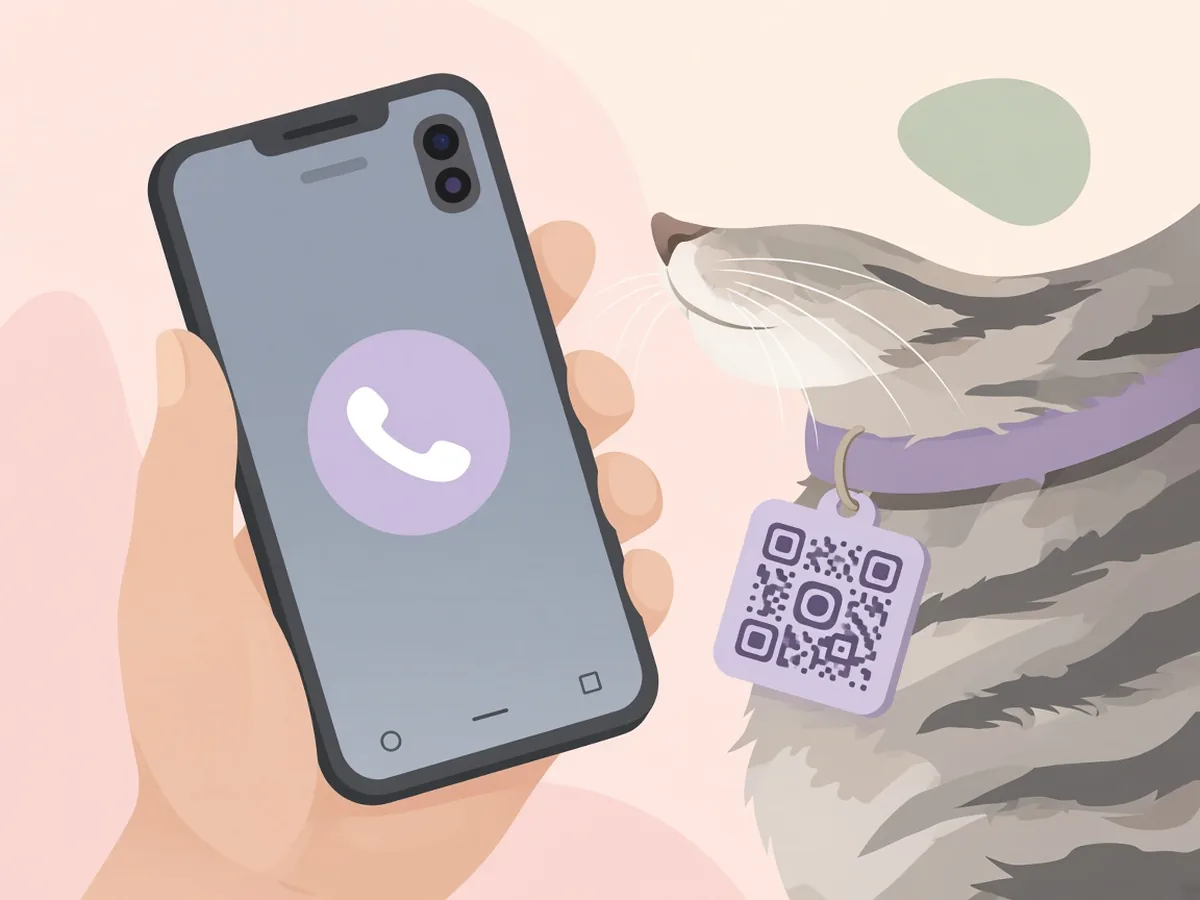
A vCard QR code stores your name, phone number and email. When it's scanned, the phone offers to call you or save you as a contact. Everything loads from the code itself, so it works even with no mobile data.
Use the free vCard QR code generator. Tip: put your pet's name alongside yours in the name field (for example, "Maria – Biscuit's owner") so the finder knows they've found the right person.
Option 2: A phone number
If you only want one thing to happen, a call, the phone number QR code generator stores a `tel:` link. It makes the smallest, simplest code, which helps on tiny cat tags.
Option 3: A text or WhatsApp message
Some finders would rather message than call, especially late at night. An SMS QR code can pre-fill a text like "Hi, I found your dog Biscuit. I'm at…". A WhatsApp QR code opens a chat with you directly, and it works well if you live somewhere WhatsApp is the default.
What about a link to a pet profile page?
A link can hold photos, allergies, medication and a vet's number, which is great for pets with medical needs. The catch is that the page has to stay online. If you go this route, link to a page you control, like a public Google Doc (see the Google Drive QR code tool), and put your phone number in plain text on the tag as a backup.
Keep the code small and simple
A pet tag is tiny, and every extra character adds more squares (modules) to the pattern. More squares means each square is smaller, and that makes the code harder to scan from a small tag.
- Skip the address, job title and website.
- One phone number is fine. Two is the most you should add.
- If you use a vCard, keep the email short or leave it out.
The simplest code that does the job will scan the best.
How big should a QR pet tag be?
Aim for a code at least 2–2.5 cm (about 1 inch) wide for dogs. Very small cat tags can go a little smaller if the code is simple (a phone number only). Leave a blank margin around the code, called the "quiet zone". If you print right to the edge of the tag, many phones won't read it.
Our QR code size for printing guide has a chart, and how to make a QR code bigger without losing quality explains why you should send SVG files to engravers.
Step by step: making the tag
- Create the code. Use the vCard or phone generator on qrfyy. It's free, with no signup and no watermark.
- Keep the colours simple. Black on white or very light metal works best. Skip logos on a pet tag, because the space is too small.
- Download SVG or EPS if a shop is engraving it, or a high-resolution PNG if you're printing it yourself.
- Test it on screen with two different phones.
- Make or order the tag. Your options:
- Engraved metal or laser-etched tags: the most durable. Ask the shop if they can do QR codes, and send them the vector file. - Resin or epoxy tags: print the code, place it under clear resin, and it becomes waterproof. - Laminated paper or sticker: quick and cheap, but expect to replace it every few weeks.
- Test the finished tag in daylight and under indoor light before it goes on the collar.
- Engrave or write your phone number in plain text on the back. A scratched code is useless, but a readable number still works.
Mistakes that stop a pet tag from scanning
- Too much data: a dense code on a tiny tag. Cut down to a name and a number.
- No quiet zone: the code is printed to the tag's edge.
- Low contrast: a light grey code on silver metal. Ask for a dark fill.
- Shiny surfaces: glare from polished metal can block a scan. Matte finishes are better.
- Wear and dirt: check the tag every month and wipe it. Replace it when it's scratched.
Our checklist of 7 QR code mistakes that stop a scan goes deeper.
Privacy: what a finder will see
Anyone who scans the tag sees what's in the code. That's the point, but it's worth thinking about. Use a mobile number you're happy to share, and don't put your home address in the code. If you'd rather not share your main number, use a secondary SIM or a virtual number that forwards to you.
FAQ
Do QR code pet tags need an app?
No. Modern iPhone and Android cameras scan QR codes natively. The finder points the camera, taps the notification, and can call or save your contact.
Will a static QR code pet tag ever stop working?
No. The information is stored in the pattern itself, so there's no server or subscription involved. It only stops working if the tag is too damaged to scan.
Will I be notified when someone scans my pet's tag?
Not with a static code. The finder contacts you directly. Tags that send scan notifications or locations rely on a paid service and an online page.
What's better for a pet tag: vCard or a phone number?
A vCard lets the finder save or call you and can include your name. A phone-number code is smaller and scans more easily on very small tags. For most dogs, vCard. For tiny cat tags, phone number.
Can I put a QR code on a cat collar?
Yes. Keep the code simple (a phone number only), use a lightweight tag and a breakaway collar, and check it regularly, since cats are hard on tags.
Should I still microchip my pet?
Yes. A microchip is permanent ID that vets and shelters scan. A QR tag helps everyday finders reach you quickly. The two work together.
Ready to create your own QR code?
Try qrfyy free