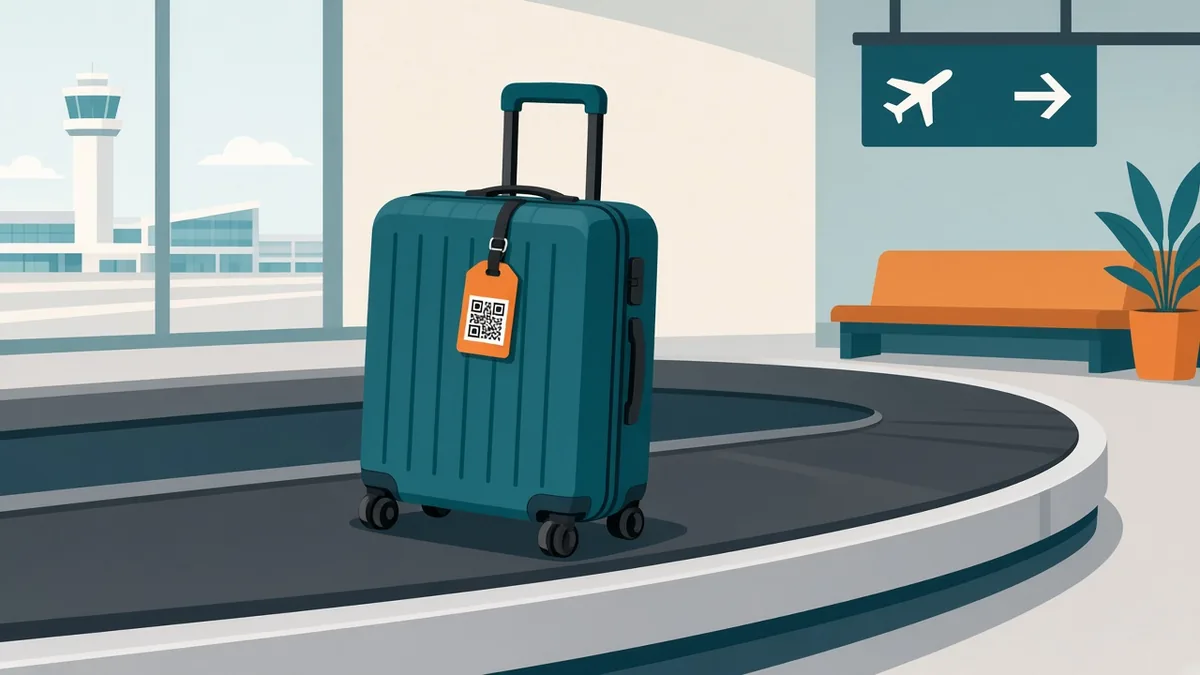
QR Code Luggage Tag: Make a Free One in 2 Minutes
Make a free QR code luggage tag that lets anyone who finds your bag reach you fast. What to put in it, privacy tips, sizing, and how to attach it.
By James Dom · ·
Airlines mishandle millions of bags every year. Most turn up within a day or two, but the ones that come home fastest have one thing in common: someone could reach the owner quickly. A paper tag with a scribbled phone number gets wet, smudged or torn off on a conveyor belt. A QR code luggage tag gives airport staff, hotel porters or a kind stranger a one-scan way to contact you.
You don't need a paid tracking service for this. A free static QR code works for years, needs no app, and costs nothing beyond a laminated card or a printed sticker. This guide shows what to put in the code, how to protect your privacy, what size to print, and where on the bag it belongs.
Why a QR code beats a written tag
- Faster contact. One scan can open a call, a WhatsApp chat or a saved contact card. Nobody has to retype a long international number.
- More information in less space. A small code can hold your name, two phone numbers and an email.
- Works in any language. A finder in another country doesn't need to read your handwriting. Their camera does the work.
- Durable. Laminated codes survive rain and rough handling better than ink on cardboard.
A QR tag doesn't replace the airline's bag tag or a GPS tracker. It's the cheap, reliable layer that helps when a human finds your bag.
What to put inside your luggage QR code
Choose based on how you want to be contacted while travelling.
Option 1: vCard contact (best all-round choice)
A vCard QR code stores your name, phone, email and even a note such as "Reward if found." When scanned, the phone offers to save the contact or call it straight away. This works offline because the data sits inside the code itself.
Option 2: WhatsApp chat
If you travel abroad and keep WhatsApp on while roaming, a WhatsApp QR code is ideal. The finder gets a chat with your number. qrfyy does not add a pre-written WhatsApp message. For a draft text, use an SMS code instead.
Option 3: Plain phone or SMS
A phone QR code starts a call, and an SMS QR code opens a text with your number filled in. These are the simplest and work on every phone.
Option 4: Email
Some travellers prefer not to share a phone number. An email QR code opens a new message to you with a subject line such as "Found your luggage." Email is slower, but it is fine as a backup.
| Option | Works offline | Best for |
|---|---|---|
| vCard | Yes | Most travellers |
| Needs data | International trips | |
| Phone / SMS | Yes | Simplicity |
| Needs data | Privacy-minded travellers |
Privacy: what NOT to put on a luggage tag
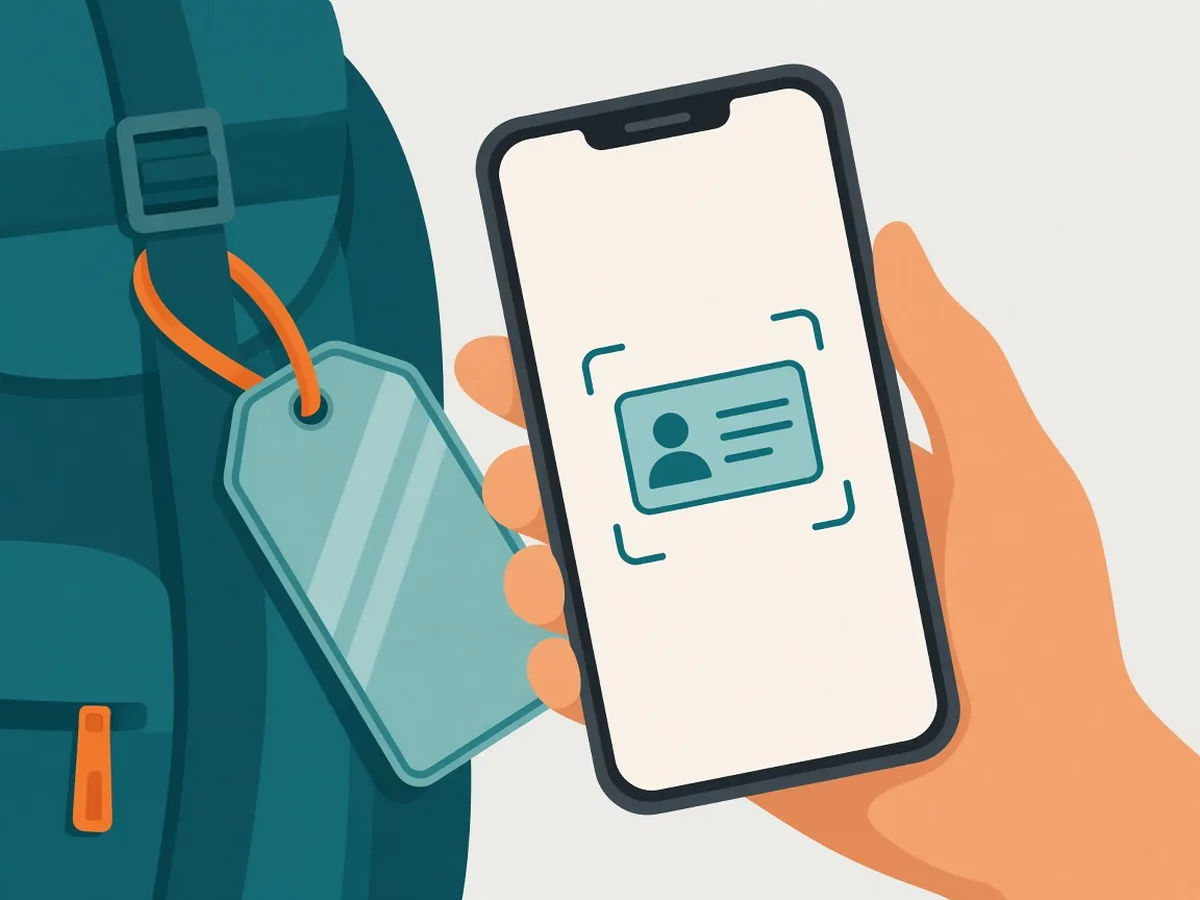
Security experts have warned for years that a visible home address on luggage tells strangers your house may be empty. Keep the code useful but limited:
- Skip your home address. A phone number or email is enough to return a bag.
- Use a travel email if you have one. A separate address keeps spam away from your main inbox.
- Don't include passport or booking numbers. Ever.
- Consider a tag cover. Some tags have a flap, so the code is hidden until someone opens it.
Because a static code holds data directly, anyone who scans it sees everything inside. Put only what you are comfortable sharing with whoever handles your bag.
Static or dynamic for luggage?
For most people, a static code is the right choice. It never expires, and it doesn't depend on any website staying online. Read more about why in do QR codes expire.
A dynamic QR code makes sense if your number changes often, for example if you buy a local SIM on every trip. You can update where it points without reprinting the tag. The differences are covered in static vs dynamic QR codes.
How to make a QR code luggage tag step by step
- Open the generator. Go to qrfyy and pick vCard, WhatsApp, Phone or Email.
- Enter your details. Add a line like "Reward if found" in the vCard note field.
- Keep the design high contrast. Use dark modules on a white background. Avoid light colours, which scan poorly under airport lighting. See how to change QR code colour safely.
- Add a frame with text. Print "Scan if found" next to the code. qrfyy QR code frames can show those words on the preview, but the download is the QR image only.
- Download SVG for a true vector file. PDF and EPS wrap a PNG. The tips in how to make a QR code bigger without blur apply here.
- Test it. Scan it with two different phones before you print. The test-before-printing checklist takes two minutes.
Size and printing tips
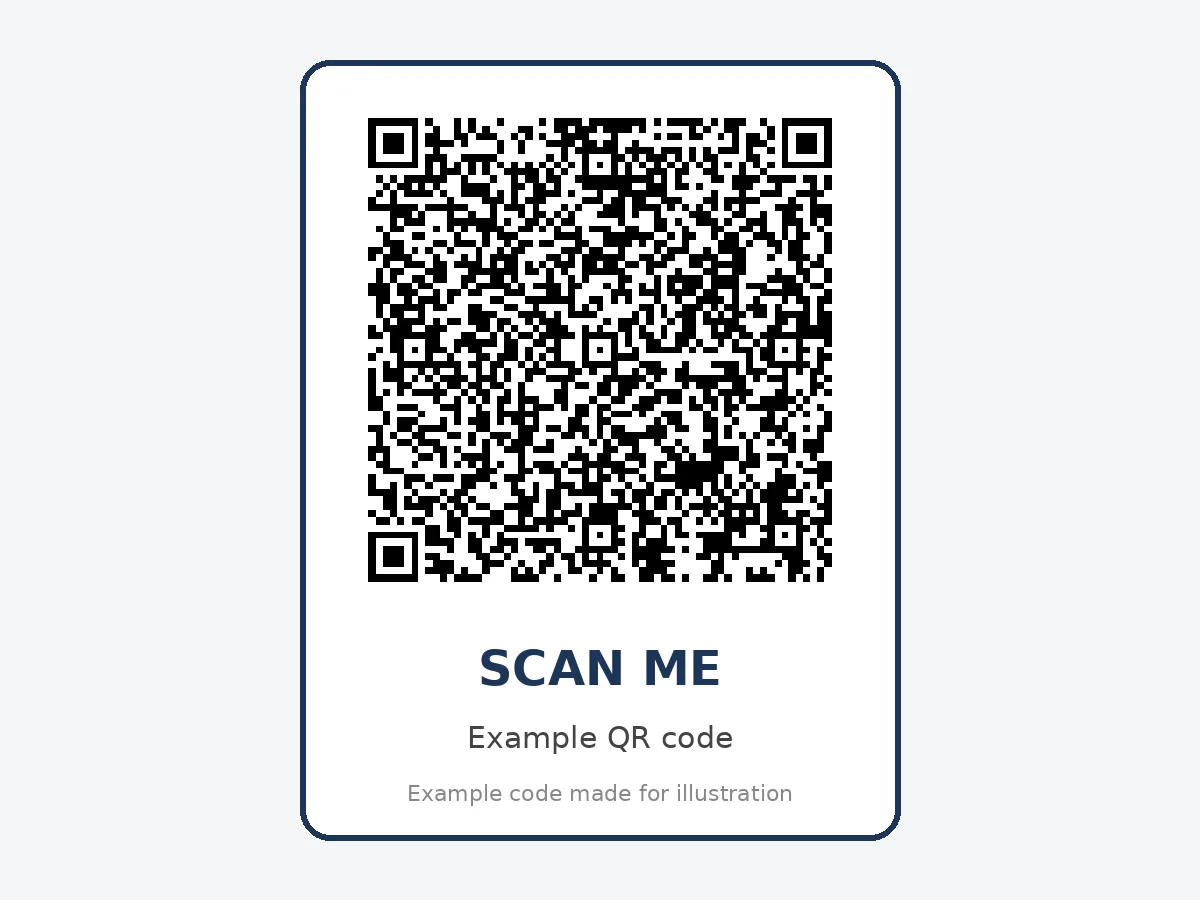
- Minimum size: 2.5 × 2.5 cm (1 inch). That is about the smallest code that reads reliably from arm's length. Bigger is better if your tag allows it. Details are in the QR code size guide.
- Keep contrast high and test the finished tag. qrfyy always uses error correction level M. Learn more about error correction levels.
- Laminate it. A cheap laminating pouch or clear packing tape protects paper from rain and grime.
- Leave a quiet zone. Keep a white border around the code at least four modules wide.
Where to attach the tag
- The handle tag: a classic luggage tag with your QR card in the window.
- Inside the bag: a second copy taped inside the lid. If the outside tag rips off, staff who open the bag still find you.
- A sticker on the hard shell: works well on hard-sided suitcases. Avoid curved seams, where the code may bend.
- Carry-on and backpacks too: the bags people forget at gates and in taxis are often the smaller ones.
Common mistakes that stop a luggage QR code from working
- Printing too small, so worn or curved codes won't scan.
- Using a short-lived link from a free trial service that later expires.
- Choosing low contrast (grey on silver, for example).
- Putting the code where a strap or buckle covers it.
- Forgetting to update a static code after changing phone numbers.
For more, see 7 QR code mistakes that stop a scan.
FAQ
Is a QR code luggage tag free?
Yes. Generating a static QR code on qrfyy is free with no signup and no watermark. You only pay for printing or a tag holder.
Does a QR luggage tag track my bag?
No. A QR code doesn't contain GPS. It only helps someone who finds your bag contact you. Pair it with a Bluetooth tracker if you want location.
Will the QR code still work after years of travel?
A static code never expires. It works as long as it isn't physically damaged. Reprint it if the surface gets heavily scratched.
What should I write next to the code?
A short call to action such as "Found this bag? Scan to contact the owner." Without it, people may not know what the code does.
Can I put the same code on all my bags?
Yes. One contact code can go on every suitcase, backpack and carry-on you own.
Is it safe to include my phone number?
Most travellers do. If you'd rather not, use an email QR code, or a WhatsApp code tied to a secondary number.
Ready to create your own QR code?
Try qrfyy free