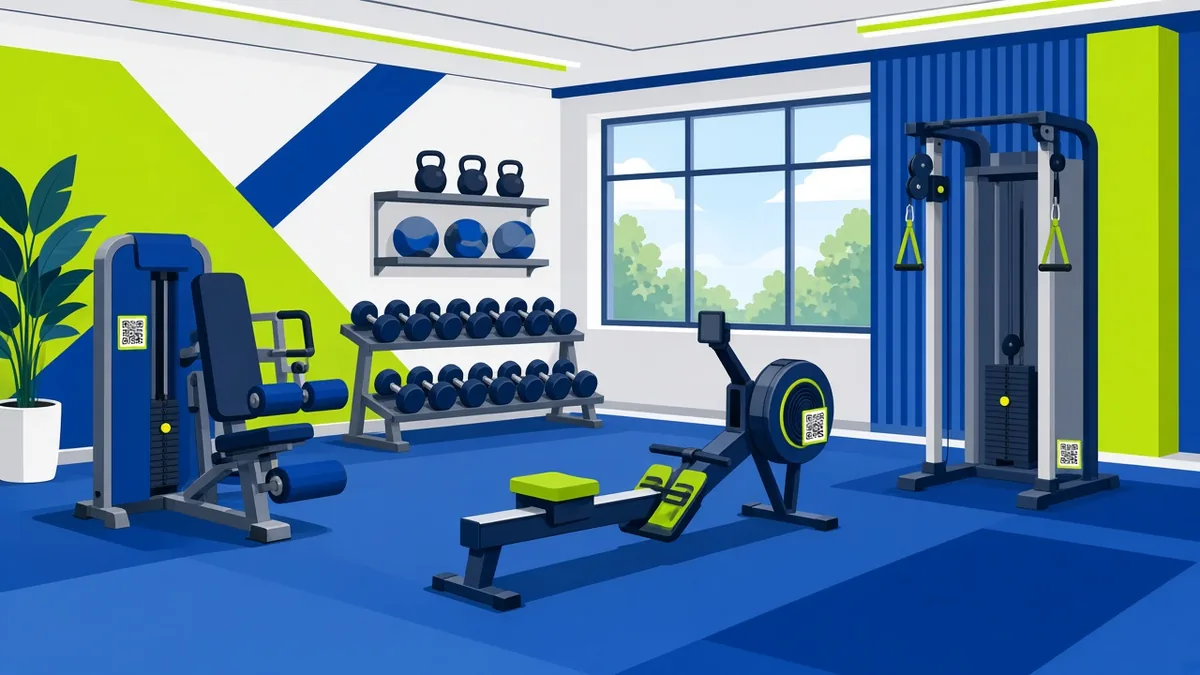
QR Codes for Gyms: 8 Uses That Members Actually Scan
Practical QR code ideas for gyms and fitness studios: class schedules, exercise demos, WiFi, sign-ups, reviews and payments. Free setup and placement tips.
By James Dom · ·
Gym members already have their phones out. They're checking a playlist, a workout app or a timer between sets. That makes a gym one of the best places to use QR codes, provided every code solves a real problem in the moment. A code on a machine that shows how to use it properly gets scanned. A code on the door that opens your homepage mostly doesn't.
This guide covers eight QR code uses that work in gyms, fitness studios and personal-training spaces. It also explains where to place them and how to keep them scannable in a sweaty, busy environment. You can create every code here free.
1. Exercise demo videos on equipment
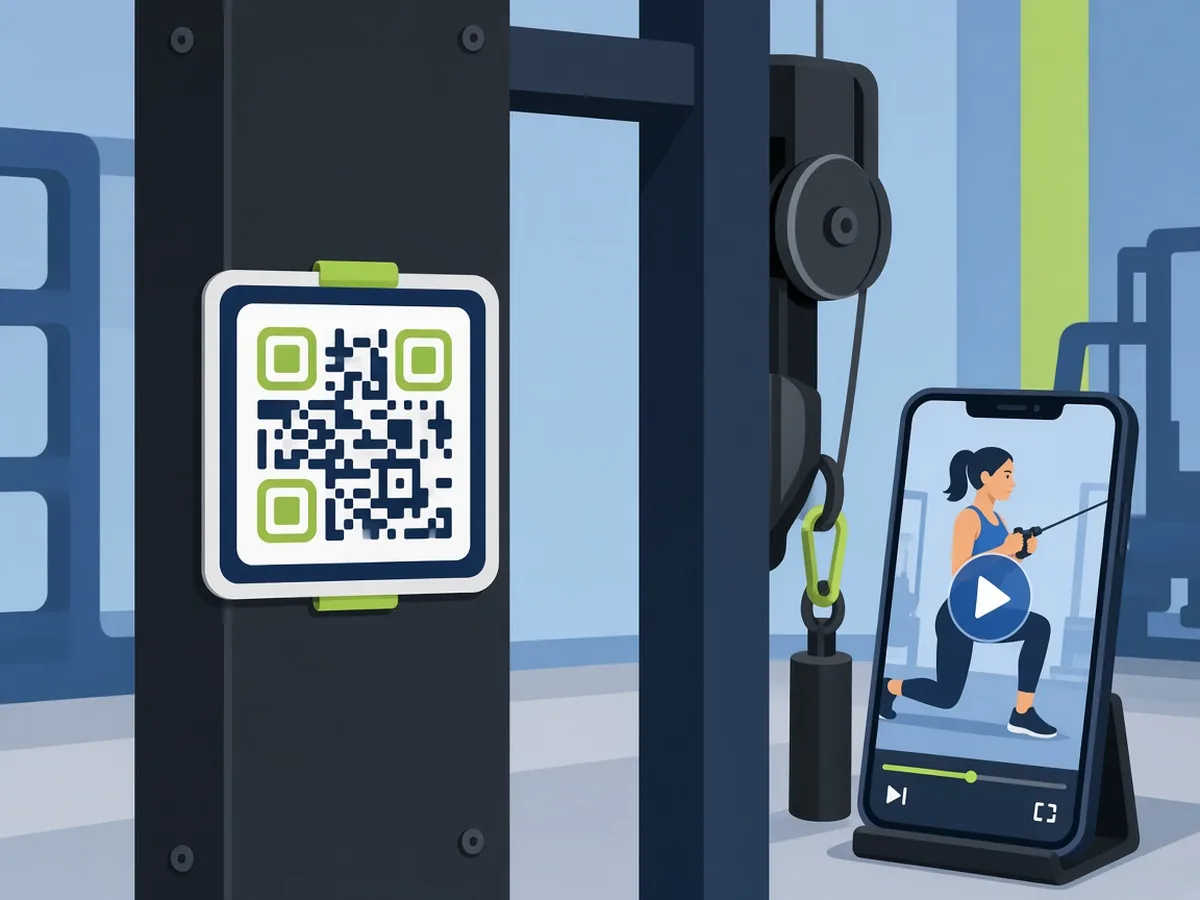
This is the most useful gym QR code there is. Put a small code on each machine that links to a 30–60 second demo of correct form, seat settings and common mistakes.
- Host clips on YouTube (unlisted is fine) and use a YouTube QR code.
- Or link directly to a video file. See the video QR code guide.
New members feel less intimidated, and your trainers answer fewer "how does this work?" questions.
2. Class schedule and booking
Put a code at reception and in the changing rooms that opens the current timetable or booking page. If the timetable changes weekly, use a dynamic QR code so the printed code always points to the latest version. A PDF QR code works well for a printable monthly schedule.
3. Guest WiFi
Members want to stream music without burning mobile data. A WiFi QR code connects them in one scan, with no password typing and no repeated questions at the front desk. The setup is in how to create a WiFi QR code.
4. Membership sign-up and free trial
A window poster with "Scan for a free day pass" captures people walking past after hours. Link it to a short form. A Google Form QR code is quick to set up if you don't have a booking system.
5. Google reviews
Happy members leave reviews when asking is easy and well timed. Place a Google review QR code near the exit or on the water station, where people pause after a good session. The Google review QR code guide covers the wording and placement that work.
6. Trainer contact cards
Personal trainers can put a vCard QR code on their lanyard or on a board near the PT area. A WhatsApp QR code is another option, so members can message to book a session.
7. Social media and challenges
Monthly challenges ("100 burpees a day") drive engagement. A code on the challenge board can link to your Instagram or TikTok post, where members check in. Use an Instagram QR code or a TikTok QR code. If you run several profiles, see the link-in-bio QR code approach.
8. Feedback and equipment fault reports
A small "Report a problem with this machine" code on each station speeds up repairs. Members scan it, and the form records which machine they're at. Learn more in the feedback QR code guide.
Where to place QR codes in a gym
| Location | Best code | Why |
|---|---|---|
| On machines (eye level when seated) | Exercise demo | Used mid-workout |
| Reception desk | WiFi, schedule, sign-up | High traffic |
| Changing rooms (dry areas) | Schedule, social | People wait here |
| Exit / water station | Google review | Post-workout good mood |
| Front window | Free trial | Captures passers-by |
Avoid wet areas such as showers, and spots where people hang towels over signage.
Making codes survive a gym environment
- Laminate or use vinyl stickers. Sweat, cleaning spray and constant touching destroy paper.
- Keep the code high-contrast and test it. qrfyy always uses error correction level M. See QR code error correction levels.
- Keep contrast high. Dark modules on a light background. Gym branding is often dark. If you use a dark background, test carefully, because inverted codes fail on some phones. The QR code design best practices explains why.
- Size for distance. Machine codes at arm's length can be 3–4 cm. A window poster read from 2 metres needs about 20 cm. Use the size guide.
- Add a label. "Scan for form demo" tells people exactly what they'll get.
A custom logo in the centre can match your brand. Keep it small, and follow adding a logo and colours.
Printing dozens of codes at once
If you're labelling every machine, generating codes one by one gets slow. qrfyy's bulk QR generator creates up to 50 codes from a list, for example one per machine video. The bulk QR code guide walks through the format.
Measuring what works
Dynamic codes let you see scan counts per code. You can tell whether the window poster or the reception card brings in more trial sign-ups, and move signage accordingly. See how to track QR code scans.
A simple rollout plan for your gym
You don't need to label the whole floor on day one. A staged rollout shows you what members actually use.
Week 1: the essentials. Put a WiFi code and a class-schedule code at reception. These two answer the most common front-desk questions, so staff feel the benefit straight away.
Week 2: equipment demos. Start with the machines new members find confusing, such as cable stations, leg press, rowers and smith machines. Record short clips on a phone in good light. One trainer can film ten machines in an afternoon.
Week 3: growth codes. Add the free-trial poster in the front window and the review code near the exit. If you use dynamic codes, compare scan counts after two weeks.
Week 4: feedback loop. Add fault-report codes to the busiest stations. Review submissions weekly and fix the quick wins.
Tips from the floor
- Tell members about the codes in your newsletter or class announcements. Usage jumps once people know the codes exist.
- Keep demo videos short. Members scan between sets and won't watch a 5-minute video.
- Refresh worn stickers every few months. A peeling code that won't scan looks worse than no code at all.
- Use the same frame style and label wording everywhere, so members learn to recognise your codes.
Class descriptions and welcome emails behind your codes are often drafted with AI. Members notice generic copy, so it is worth taking a minute to make your gym's promo copy sound more human before it goes live.
FAQ
Are QR codes for gyms free to make?
Yes. Static codes on qrfyy are free with no signup or watermark. Dynamic codes are free for up to 20 per owner key.
What's the best first QR code for a gym?
Guest WiFi or exercise demos on machines. Both solve a problem members have every visit.
Should I use static or dynamic codes?
Use static for things that never change, such as WiFi or a review link. Use dynamic for schedules, promotions and anything you want to track.
How big should a QR code be on gym equipment?
About 3–4 cm for codes scanned at arm's length. Go larger if members scan from further away.
Will sweat and cleaning spray ruin the codes?
Paper codes wear out fast. Use laminated cards or vinyl stickers, keep strong contrast, and test the scan. qrfyy always uses error correction level M.
Can personal trainers use their own QR codes?
Yes. A vCard or WhatsApp code on a lanyard makes booking sessions easy.
Ready to create your own QR code?
Try qrfyy free