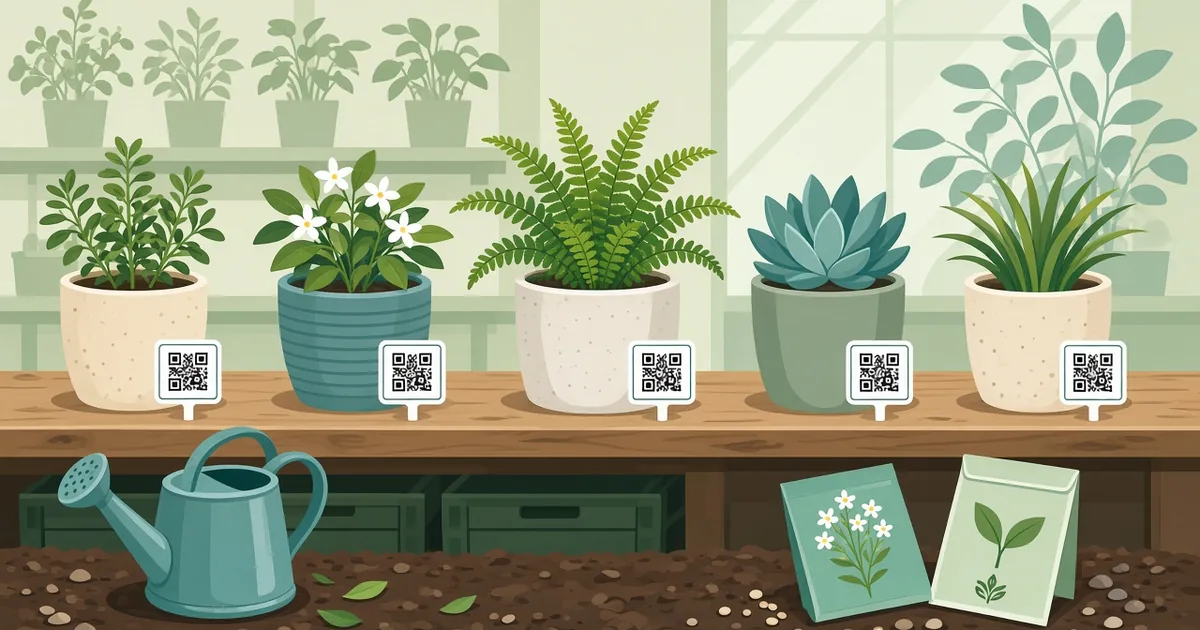
QR Code for Plant Labels: Care Guides in One Scan
Add QR codes to plant labels for nurseries, gardens and shops. Link to care guides, videos and reorder pages. Weatherproof tips and step-by-step setup.
By James Dom · ·
A plant label has room for a name, maybe a price, and two or three icons for sun and water. But buyers want to know much more: how often to water in summer, whether it's safe for cats, when to repot, why the leaves are turning yellow. A QR code on the label opens a full care guide on the customer's phone, so the plant has a better chance of surviving and the customer has a better chance of coming back.
This guide is for nurseries, garden centers, plant shops, botanical gardens, school gardens and home growers who sell at markets.
What a plant label QR code can link to
- A care guide page. Light, water, soil, temperature, feeding, repotting and common problems.
- A short video. Thirty seconds showing how to water or prune. Our guide to video QR codes explains the setup.
- A PDF care sheet. Easy to make once and reuse with a PDF QR code.
- A reorder or shop page. For pots, soil, fertilizer or the same plant in a bigger size.
- A review page. A Google review QR code on the pot tag after purchase.
- Plant ID info. For botanical gardens: Latin name, origin, history and conservation notes.
Why it works
- Customers get more information than any label can hold.
- Fewer "my plant died" complaints and refunds.
- Repeat customers, since the care page can link to your shop.
- You can update care advice without reprinting labels, using a dynamic QR code.
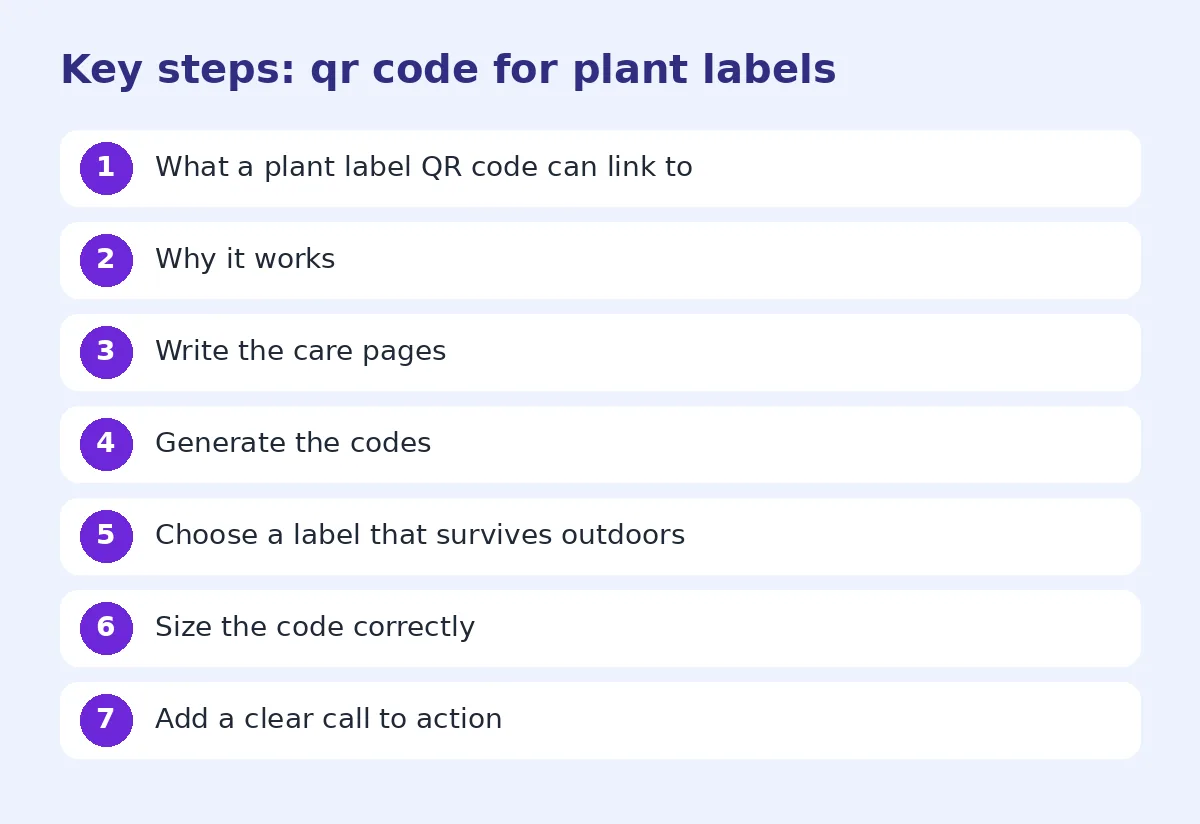
Step 1: Write the care pages
Group plants by care needs so you don't write 300 separate pages. A good care page includes:
- Common and Latin name
- Light: bright indirect, full sun or shade
- Watering: how often, and how to tell when it needs water
- Soil and pot type
- Temperature and humidity
- Feeding schedule
- Pet safety
- Common problems and fixes
Keep the language simple. Short sentences and bullet points work best on a phone.
Step 2: Generate the codes
For a small range, create codes one by one. For hundreds of varieties, use a bulk QR code generator with a spreadsheet of plant names and URLs. It saves hours and avoids copy-paste mistakes. Our bulk QR code guide shows how.
Step 3: Choose a label that survives outdoors
Plant labels get wet, muddy and sunburned. Choose:
- Plastic stake labels for pots and seedlings.
- Waterproof vinyl stickers for pots.
- Laminated card tags tied to branches.
- Engraved or UV-printed aluminum for permanent garden plants.
Use high contrast: black code on white background. Faded or colored codes are harder to scan after a few weeks of sun. Read our guide on how to change QR code color safely before experimenting.
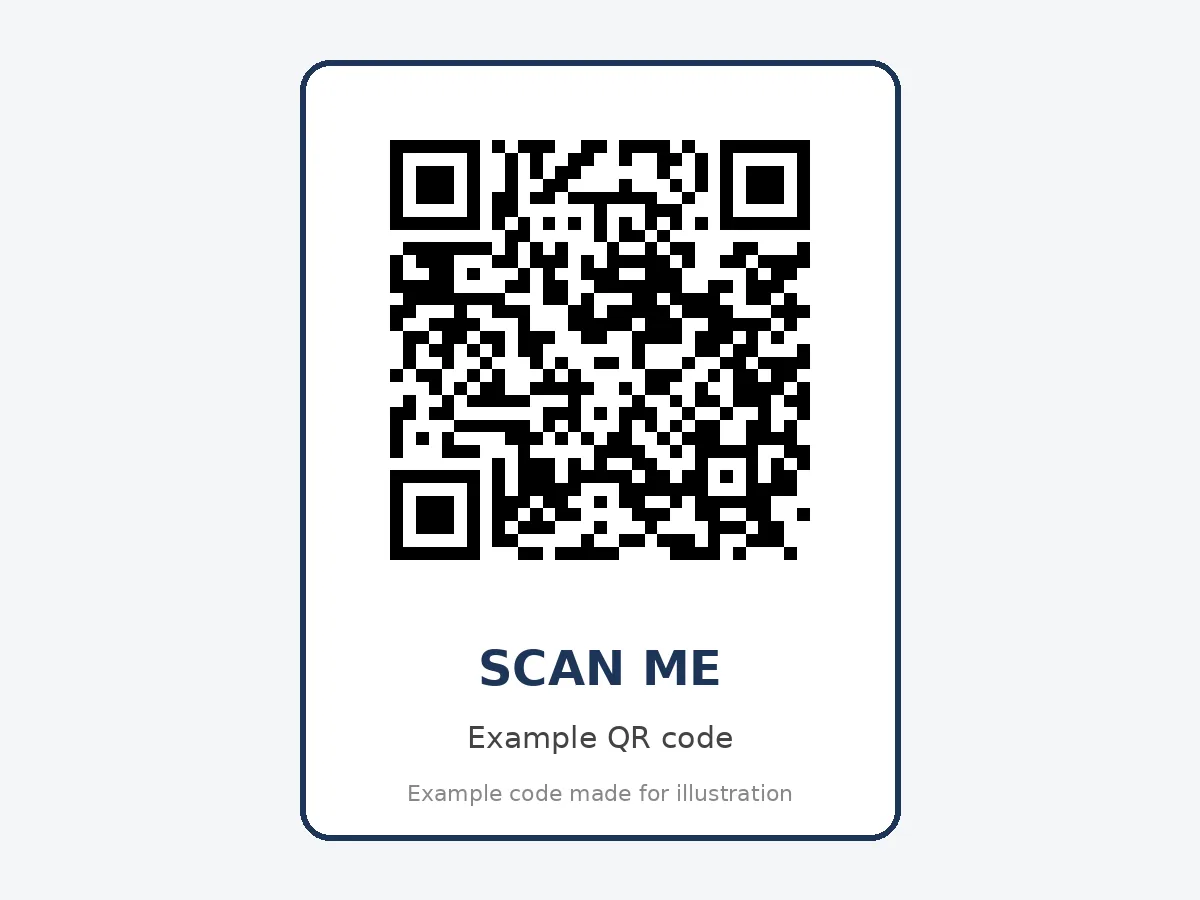
Step 4: Size the code correctly
Plant stake labels are small, so test carefully:
- Minimum about 2 cm (0.8 inch) for scanning from 15 to 20 cm away.
- Larger, around 5 cm, for codes in beds or on garden signs people view from a path.
- Keep the URL short, so the code has fewer modules and stays easy to scan.
Our QR code size for printing guide has a full chart.
Step 5: Add a clear call to action
Below or next to the code, add a few words: "Scan for care tips", "Scan to see how big it grows", or "Watering guide inside". Without a prompt, many shoppers will not realize the code is useful.
Ideas for different growers
Garden centers: Link to care guides and "complete the look" product pages, such as matching pots or soil.
Plant shops: Link to a short video and a care subscription or reminder service.
Botanical gardens: Link to the plant's story, audio tours with an audio QR code, and conservation information.
Schools: Students can scan to log growth or read about the plant they're caring for. See our QR codes for teachers guide for more classroom ideas.
Market stalls: Link to your Instagram with an Instagram QR code so buyers can find you again.
Track what customers scan
With dynamic codes, you can see which plants get the most scans. That tells you which care guides are useful, which plants confuse buyers, and which varieties might need a better label or a staff demo.
Common mistakes
- Labels that fade or peel in the sun.
- Codes too small to scan on a stake.
- Care pages that are not mobile friendly.
- Linking to a generic homepage instead of the specific plant.
- No call to action.
If a code won't scan, see why is my QR code not scanning.
Test outdoors
Test the codes in real conditions: on a sunny afternoon, after watering, at different angles. A code that scans at your desk can fail when it's wet, curved around a pot or under glare.
Seasonal updates
Plant care changes through the year. Watering in summer is different from watering in winter, and many plants rest after flowering. If you use dynamic codes, you can update each care page with a short "this season" note without touching the labels. Customers who scan in December see winter advice, and customers who scan in May see spring tips. It's a small detail that makes your nursery look knowledgeable and keeps buyers coming back to your page.
Make the care page sell, gently
The care page is also a good place for helpful suggestions. If a plant needs well-drained soil, link to the soil you stock. If it grows fast, mention the next pot size. Keep it practical and short so it reads like advice, not an advert. Customers are happy to buy the right supplies when the recommendation clearly helps their plant.
A quick label layout that works
For a standard 10 cm plastic stake, this layout fits well:
- Top: common name in large, bold text.
- Middle: Latin name in smaller italic text, plus sun and water icons.
- Bottom: the QR code on the left, about 2.5 cm wide, with "Scan for care tips" and the price on the right.
Leave a clear white margin around the code, and keep the stake's pointed end free of print, because that part goes into the soil. Print a sample sheet, push a few labels into real pots, and scan them from standing height before you order a full batch. This simple check catches most problems with size, contrast and glare.
FAQ
Will a QR code on a plant label survive outdoors?
Yes, if you use waterproof, UV-resistant labels and a high-contrast code.
How small can a QR code be on a plant stake?
About 2 cm wide is a safe minimum for close-up scanning. Use a short URL to keep it simple.
Can I make QR codes for many plants at once?
Yes, a bulk QR code generator can create hundreds of codes from a spreadsheet.
What should the plant care page include?
Light, water, soil, temperature, feeding, pet safety and common problems.
Can I change the care page later?
Yes, if you use dynamic QR codes or keep the same URL and update the page content.
Ready to create your own QR code?
Try qrfyy free