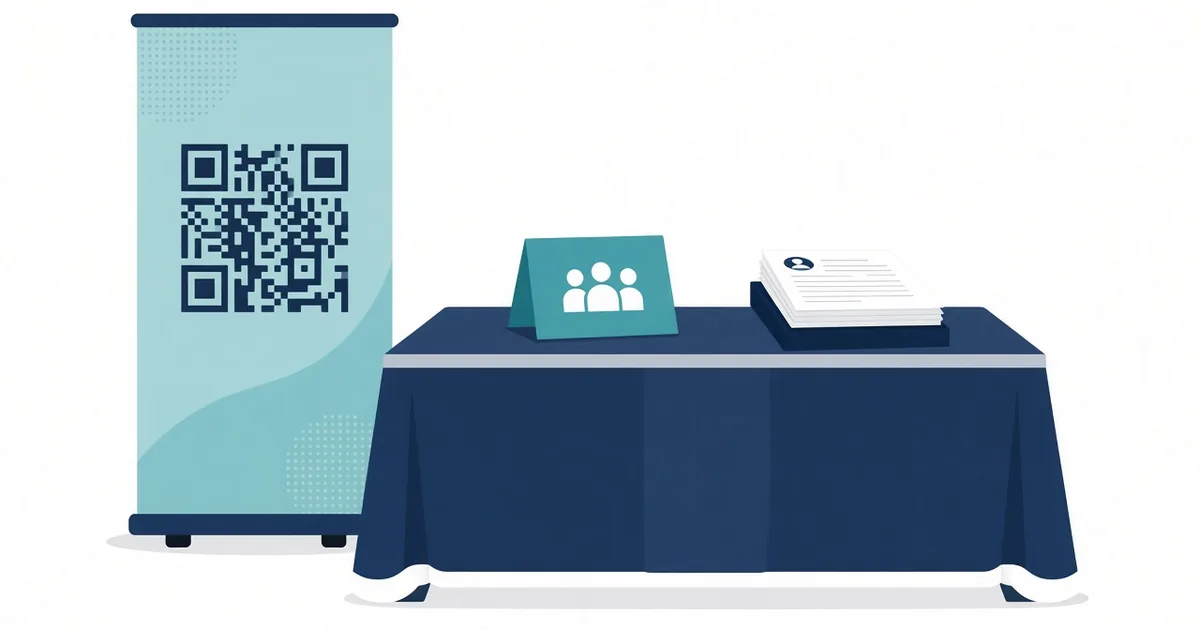
QR Code for Job Fair Booth: Collect Applicants Fast
Use a QR code at your job fair booth to share open roles, collect applications and book interviews. Setup steps, booth ideas and mistakes to avoid.
By James Dom · ·
A busy job fair booth gets hundreds of visitors in a few hours. Most recruiters still hand out flyers and collect paper resumes, then spend the next week typing names into a spreadsheet. Half the flyers end up in the bin outside the hall. A QR code fixes most of that. Candidates scan, see your open roles, apply or leave their details, and you get a clean list before you have packed up the banner.
This guide covers what to link, how to set up the booth, and how to follow up with candidates while they still remember you.
Why use a QR code at a job fair
- Faster conversations. You spend less time spelling out web addresses and more time talking to good candidates.
- Cleaner data. Names, emails and roles of interest go straight into a form or applicant system.
- Less printing. One sign replaces a stack of role sheets that go out of date.
- Works after hours. Candidates who were too shy to stop can scan the poster on the way past and apply later.
- Measurable. You can see how many people scanned and compare fairs.
What the QR code should open
Choose one main destination per code:
- A short interest form. Name, email, phone, role of interest, graduation year or experience, and an optional resume upload. A Google Form QR code is the quickest way to set this up.
- Your careers page filtered to open roles. Good when you already have an applicant tracking system.
- An interview booking page. Let shortlisted candidates book a slot on the spot.
- A job description PDF. For one specific role, a PDF QR code works well.
- Your company LinkedIn page. A LinkedIn QR code helps candidates follow you for future openings.
Most booths do best with a short landing page that offers two buttons: "See open roles" and "Leave your details". Keep it mobile friendly, because almost everyone will open it on a phone while standing in a crowd.
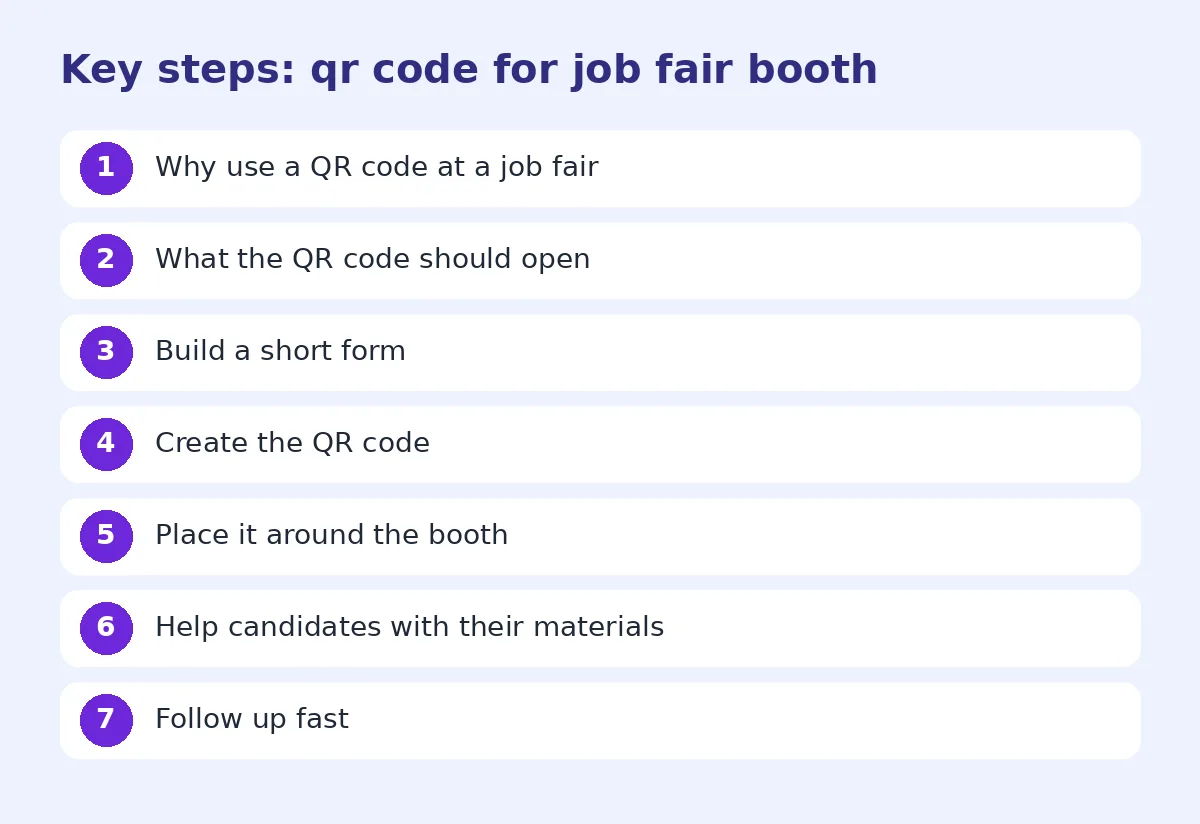
Step 1: Build a short form
Long forms kill applications at a fair. Ask only for what you need to follow up:
- Full name
- Email and phone
- Role or department of interest
- Experience level or graduation date
- Resume upload or LinkedIn URL (optional)
- Consent to be contacted
Add a hidden field or separate form per event so you know which fair each candidate came from.
Step 2: Create the QR code
Paste the link into the generator. Use a dynamic QR code if you go to several fairs a year. You can point the same printed banner at a new form each season, and you can track QR code scans per event.
Add your logo with a QR code with logo, and keep strong contrast so it still scans in the bright, uneven light of an exhibition hall.
Step 3: Place it around the booth
Put the code where people actually look:
- Banner or backdrop. Large, at eye level, readable from 2 to 3 meters. See our QR code size for printing guide.
- Table tent. For people waiting to talk to a recruiter.
- Recruiter name badges. A small code on each badge, like our QR code name badge guide shows.
- Giveaway items. Stickers, pens or tote bags with a code to the careers page.
- Tablet stand. A tablet showing the code on screen, next to a printed backup.
Always add a call to action: "Scan to apply in 60 seconds" works better than a bare code.
Step 4: Help candidates with their materials
Many students and first-time job seekers use AI to write cover letters and follow-up messages, and the results often sound stiff. A small, useful touch at your booth is a "candidate tips" link on your landing page. One good resource is this guide on how to make an AI cover letter sound human. Candidates appreciate practical help, and you get better applications.
Candidates can also put a resume QR code on their own CV so you can open their portfolio in one scan.
Step 5: Follow up fast
The best candidates talk to several companies in one day. Follow up within 48 hours:
- Send a thank-you email to everyone who scanned and applied.
- Invite shortlisted candidates to book an interview.
- Tell others what to expect and when.
Because the data came from the QR form, you can do this in bulk instead of typing names from paper.
Booth ideas that increase scans
- Run a quick quiz. "Scan and answer three questions about our industry for a prize draw."
- Show a short video. A video QR code can link to a 60-second "day in the life" clip.
- Offer interview slots. "Scan to book a 10-minute chat today."
- Share salary ranges. Candidates are more likely to scan when they know the page has real information.
Common mistakes
- A long form. Keep it under one minute.
- A desktop-only careers site. Test on a phone first.
- No WiFi plan. Exhibition halls often have weak signal. Keep the landing page light.
- Tiny codes. A code the size of a stamp on a two-meter banner will not be scanned.
- No follow-up. Scans only matter if someone replies.
Our list of 7 QR code mistakes that stop a scan covers the printing side.
Test before the event
A day before the fair, scan every code from the distance a visitor will stand, on both iPhone and Android. Submit a test application and check it arrives in the right sheet or inbox. Our test before printing checklist walks through each step.
Measure your results
After each fair, write down scans, applications, interviews and hires. Over a few events, you will see which fairs bring good candidates and which only bring traffic. That makes it much easier to decide where to spend next year's recruiting budget.
Privacy and candidate data
Job applications contain personal data, so treat them carefully. Keep the form on a trusted platform, limit who can open the response sheet, and delete records you no longer need after the hiring round ends. Add a short line on the form explaining how you will use the details. Candidates notice when a company is careful with their information, and it reflects well on your brand as an employer.
Plan your booth staffing around the code
The QR code changes how recruiters spend their time. Instead of collecting paper, one person can greet visitors and point them to the code, while another has deeper conversations with promising candidates. At a busy fair, put a short line near the code saying "No queue needed: scan to apply now". It keeps the line moving and still captures people who don't want to wait.
FAQ
What should a job fair QR code link to?
A short interest or application form, your open roles page, or an interview booking page. A simple landing page with two buttons often works best.
How big should the QR code be on a booth banner?
Large enough to scan from two to three meters, usually 20 cm or more on a banner.
Can I reuse the same QR code at different job fairs?
Yes, with a dynamic QR code you can change the destination and track scans for each event.
How do I know which fair a candidate came from?
Use a separate form or a tracking parameter for each event.
Should I still bring printed flyers?
A few, for people who prefer paper, but the QR code should be the main way to apply.
Ready to create your own QR code?
Try qrfyy free