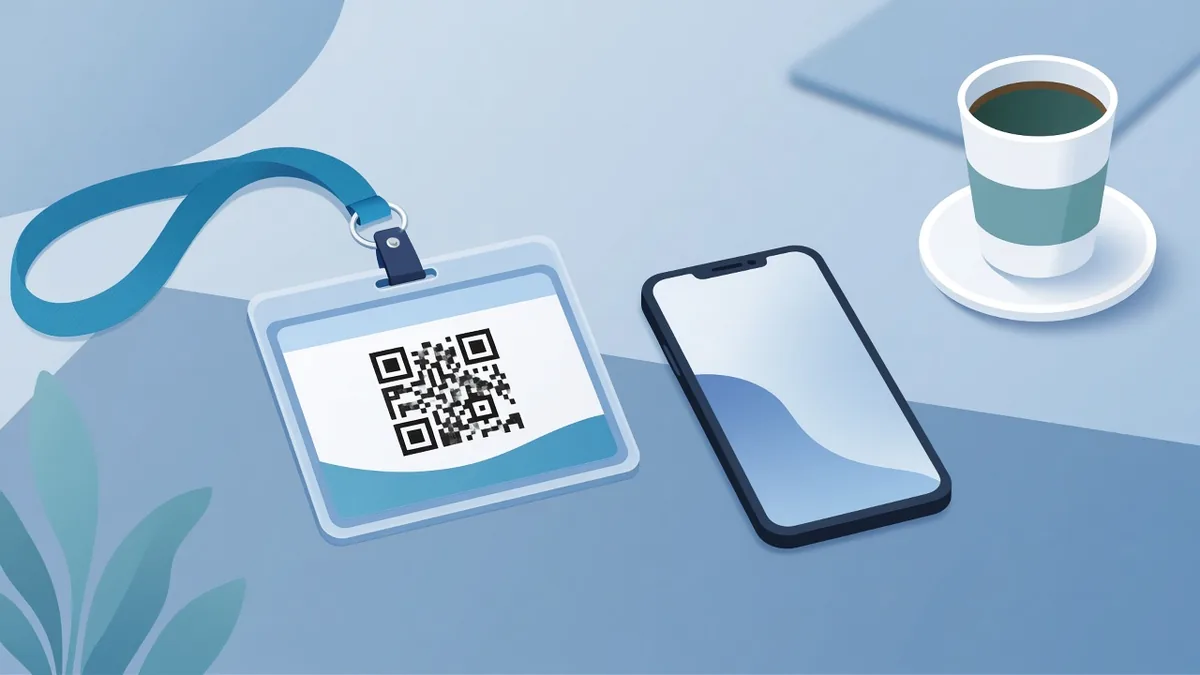
QR Code Name Badges: Share Contacts at Any Event
Put a QR code on your conference or event name badge so people save your contact or open your profile in one scan. Setup, size and badge tips.
By James Dom · ·
Business cards run out, get lost in pockets and end up in a drawer. A name badge, on the other hand, stays on you the whole day. Put a QR code on it and anyone you meet can save your details or open your profile before the conversation even ends. No typing, no misspelled email addresses, no "I'll find you later" that never happens.
This guide covers what to link the code to, how big to print it, where to place it on the badge and the small details that decide whether people actually scan it.
Why a QR code belongs on your name badge
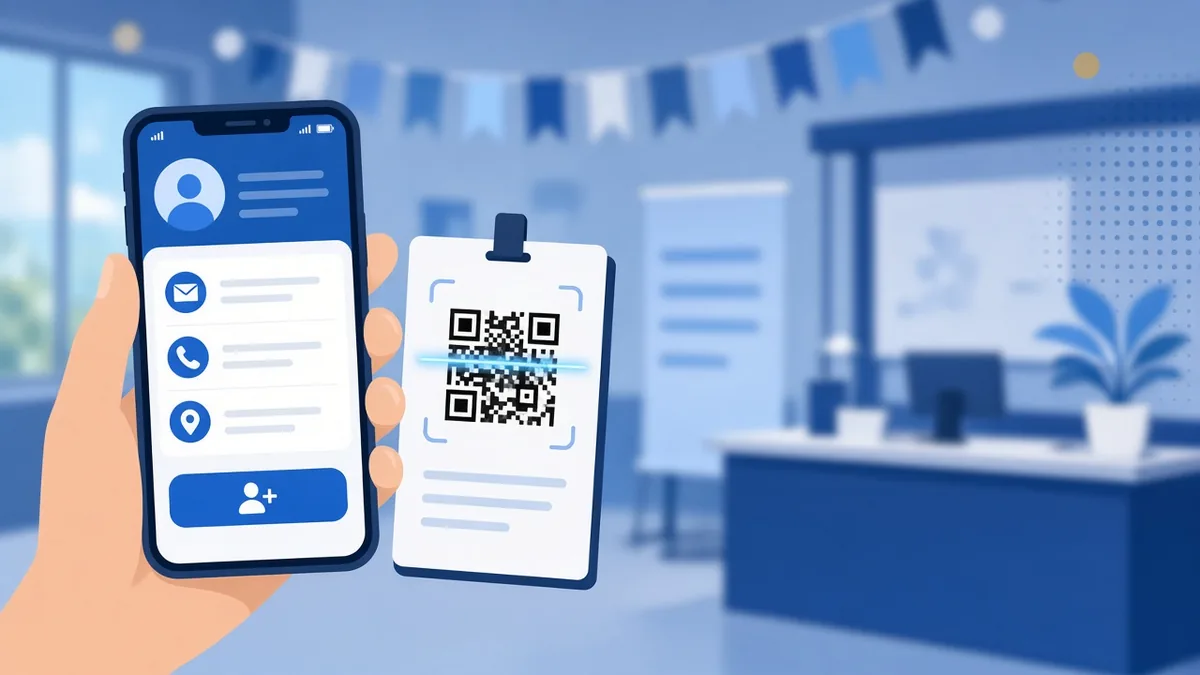
At conferences, trade shows, meetups and job fairs, most conversations are short. You have a minute or two before someone else joins the group or the next session starts. A QR code turns that short chat into a saved contact.
It also helps the other person. They don't have to remember your name or how you spell it, and they don't have to ask for a card while juggling a coffee and a tote bag. They point their camera at your chest, tap the link and they're done.
For organizers, badge codes do even more. They can speed up check-in, track session attendance or let exhibitors collect leads. This article focuses on personal badges, but the same printing rules apply.
What should your badge QR code open?
Pick one destination. A badge is not the place for a menu of options.
- A contact card (vCard). The most useful choice for most people. One scan offers to save your name, job title, phone and email straight into the phone's contacts. Our guide on how to create a vCard QR code walks through the fields.
- Your LinkedIn profile. Good for networking events where people want to follow up professionally rather than call you. Use a LinkedIn QR code so it opens the app directly.
- A link-in-bio page. If you're a creator or run a small business, a single page with your links, shop and socials works well. See our link-in-bio QR code guide.
- A portfolio or a booking page. Designers, photographers and consultants often get more from sending people straight to their work or their calendar.
If you aren't sure, start with a vCard. People can always find your profile from your email later, but they rarely go back to type in a phone number.
Static or dynamic?
A static code stores the information inside the pattern. It works forever, needs no account and can't break because a service shut down. The downside is that you can't change it after printing.
A dynamic QR code points to a short link you can edit. If you change jobs, phone numbers or event focus, you update the destination and the printed badge keeps working. You can also see how many people scanned it, which is handy if you want to know whether that expensive conference paid off.
For a one-off event badge, static is fine. For a badge holder or a lanyard card you'll reuse all year, dynamic is worth it.
How big should the QR code be on a badge?
People will scan your badge from about 30 to 60 cm away, usually in a crowded hall with mixed lighting. That distance needs a code at least 2.5 cm (1 inch) wide, and 3 to 4 cm is safer. Our guide on QR code size for printing explains the distance rule in more detail.
Keep the content short so the pattern stays simple. A vCard with name, phone, email and job title is fine. Adding a long address, a bio and three websites makes the code dense and hard to read at badge size. If you need a lot of information, use a dynamic code that opens a contact page instead.
Design tips for badge codes
- High contrast. Dark code on a white or very light background. Avoid printing on top of a busy event logo or a gradient.
- Leave a quiet zone. Keep a white margin around the code, roughly four modules wide. Badge templates often crop this, so check the proof.
- Add a short label. "Scan to save my contact" or "Scan for my portfolio" tells people what they get. A code without a reason gets ignored.
- Matte, not glossy. Glossy laminate reflects ceiling lights and makes codes hard to scan. Use a matte sleeve if you can.
- Put it at chest height. If your badge flips around on the lanyard, print the code on both sides.
Our QR code design best practices cover colors and logos if you want to brand the code.
Test it before the event
Test the printed badge, not just the file on your screen. Scan it with an iPhone and an Android phone, from arm's length, under normal indoor lighting. Check that the contact saves correctly and the name isn't cut off. If anything looks off, our checklist on how to test a QR code before printing lists the common problems.
Make the page behind the code worth the scan
The code only gets you the scan. What people see next decides whether they remember you. If your badge opens a profile or an about page, read the summary out loud. Does it sound like you, or like a template? Many people now draft their bio with ChatGPT and end up with lines like "results-driven professional passionate about innovation". Everyone at the event has that line. If yours came from AI, polish the bio so it reads like a real person wrote it before you print the badge. Then add one specific detail, such as what you're working on right now, so people have something to message you about.
Ideas for different events
- Job fairs: link the badge to your resume or LinkedIn. Recruiters see hundreds of people and a scan is easier than collecting paper.
- Trade shows: link to a product page or a booking calendar so leads can set up a call on the spot.
- Meetups and community events: a vCard or a WhatsApp link works best for casual follow-ups. See our WhatsApp QR code guide.
- Speaking at an event: put the same code on your badge and your last slide so attendees can grab your slides or notes.
- Weddings and private events: organizers can print a code on guest name cards that opens the photo-sharing album. Our wedding QR code guide has more ideas.
Common mistakes
- Printing the code too small to fit a logo-heavy badge template.
- Linking to a homepage instead of something personal.
- Using a free generator that turns the code into a paid redirect after a trial. Check our guide on whether QR codes expire.
- Forgetting to update a static code after changing jobs.
- No label, so people don't know what the code does.
FAQ
Can I put a QR code on a conference badge the organizer prints?
Many organizers let you upload a QR code or a link during registration. If not, use a badge holder with a printed card behind your official badge, or a sticker on the back.
What is the best QR code type for networking?
A vCard contact code is best for most people because it saves your details in one tap. A LinkedIn code is a good second choice for professional events.
How small can a QR code on a name tag be?
About 2.5 cm (1 inch) is the practical minimum for scanning from arm's length. Go larger if your code holds a lot of data.
Do I need an app to scan a name badge QR code?
No. Modern iPhone and Android cameras read QR codes directly. See how to scan a QR code on iPhone and Android.
Can I track how many people scanned my badge?
Yes, if you use a dynamic code. It counts scans so you can see which events led to real connections. Ready to make yours? Create a free QR code on qrfyy and print it on your next badge.
Ready to create your own QR code?
Try qrfyy free