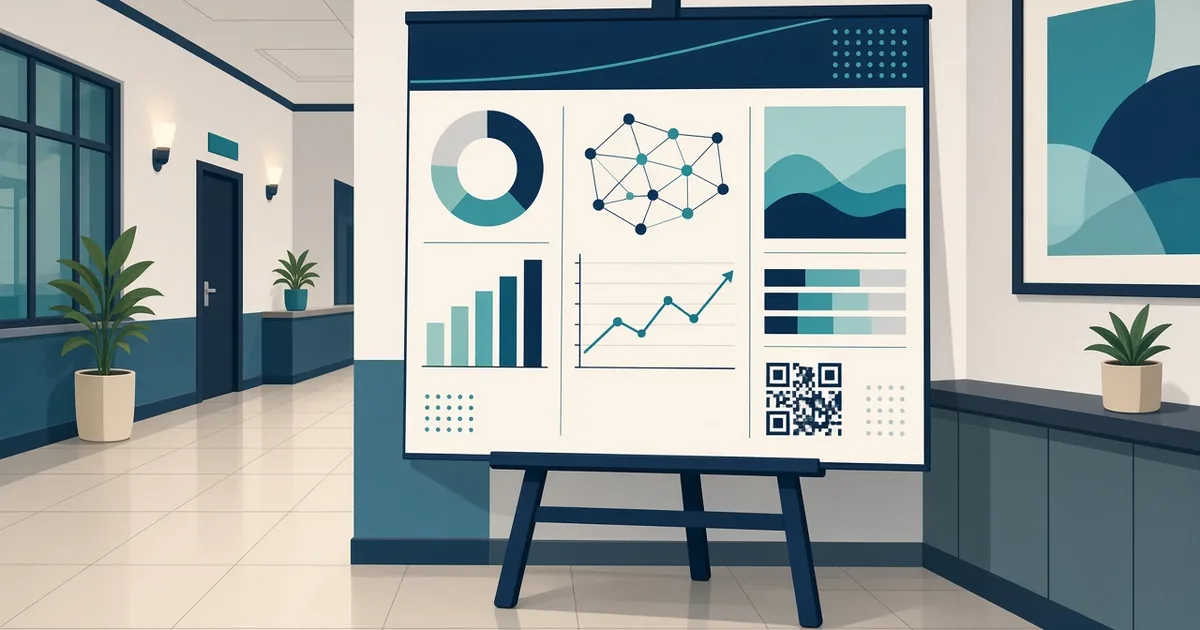
QR Code for Research Poster: Share Your Full Paper
Add a QR code to your academic research poster to share the full paper, data, references or contact details. Size, placement and design tips.
By James Dom · ·
A research poster has to squeeze months or years of work onto one sheet. You choose a few key figures, cut the methods down to bullet points, and leave out most of the references. Then, at the poster session, visitors ask for the paper, the data, the extra figures or your email, and you're scribbling links on napkins. A QR code on the poster lets anyone take everything home in one scan, even when you've stepped away for coffee.
This guide covers what to link, where to place the code, how big to make it and how to design it so it fits a clean academic layout.
What your poster QR code can link to
Pick the most useful destination for your audience:
- The full paper or preprint. A PDF QR code or link to the repository page.
- Supplementary materials. Extra figures, tables, methods details or a full reference list.
- Your dataset or code. A repository page or a Google Drive QR code folder.
- A short video summary. A two-minute walkthrough for people who can't stay. See our video QR code guide.
- Your contact details. A vCard QR code or LinkedIn QR code.
- A feedback form or survey. If you're recruiting participants or want comments, use a Google Form QR code.
- Your lab or project page. For people interested in your wider work.
Many researchers use one landing page with all of these: paper, supplementary files, contact details and a short summary.
Step 1: Prepare the destination
Make sure the destination is:
- Publicly accessible without a login
- Fast to load on mobile data
- Clearly titled with the poster name
- Stable for at least a year
If your paper isn't published yet, check your co-authors' and journal's policies before sharing a preprint.
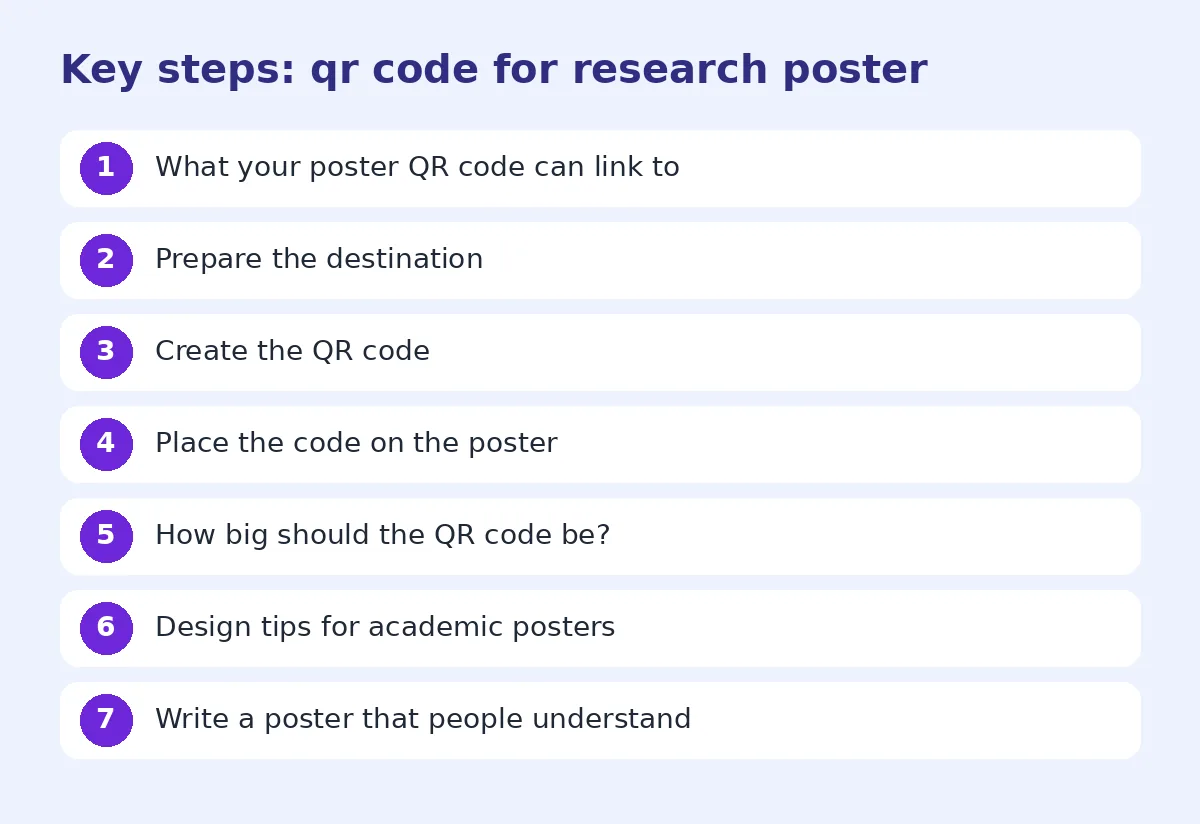
Step 2: Create the QR code
Paste the link into the generator. Use a dynamic QR code if the paper might move from preprint to published version later. You can update the link without reprinting the poster, and you can track QR code scans to see how many people engaged.
Step 3: Place the code on the poster
Common placements:
- Bottom right corner, near references and contact information. The most common choice.
- Top right, next to the title, for maximum visibility.
- Next to a key figure, linking to extra data or an animation.
Add a short label: "Scan for full paper and data" or "Scan for references".
How big should the QR code be?
Visitors usually read posters from one to two meters. A good rule is the code should be about one tenth of the scanning distance, so at least 10 to 15 cm wide for comfortable scanning from a meter or more. Our QR code size for printing guide explains the math.
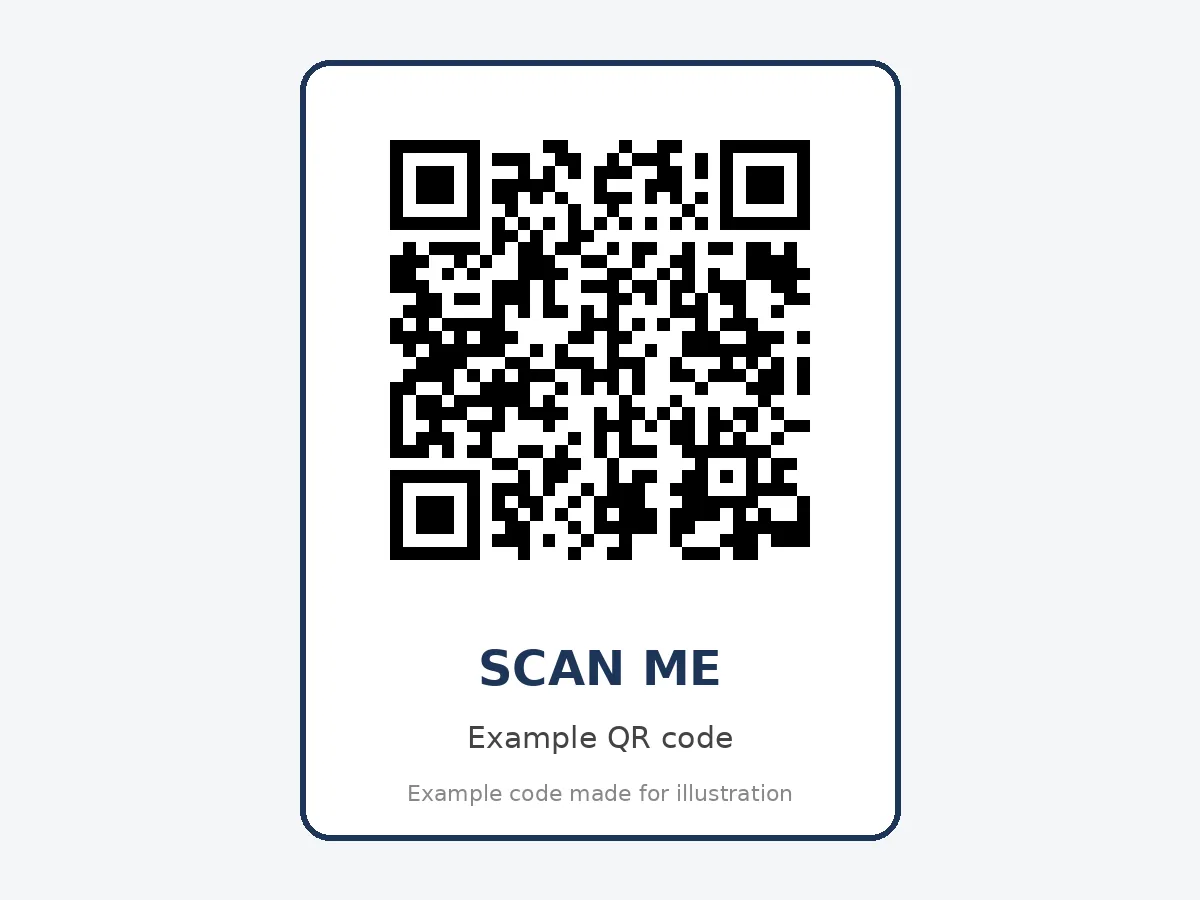
Design tips for academic posters
- Keep it simple. Black on white is safest under conference hall lights.
- Use your university color only if it's dark enough. See change QR code color safely.
- Leave white space around the code.
- Avoid glossy lamination, which reflects light. Matte paper or fabric posters scan better.
- Add a short URL below the code for anyone who can't scan.
- Export as SVG or high-resolution PNG to avoid blurry printing.
For broader design guidance, read QR code design best practices.
Write a poster that people understand
A QR code gets people to your paper, but your poster's text decides whether they're interested. Many researchers now use AI to help shorten text or summarize methods. If you do, edit it so it sounds clear and natural, not robotic. Our sister site's guide on how to humanize a thesis draft has practical advice for academic writing that works well for poster text too. Always follow your institution's rules on AI use.
Ideas for different research areas
Sciences: link to raw data, protocols and extra figures.
Medicine and health: link to the trial registration and patient information leaflets.
Social sciences: link to survey instruments and interview guides.
Engineering and computer science: link to code repositories and demo videos.
Humanities: link to archive images, translations and full quotations.
At the poster session
- Stand to the side so the code is visible.
- Point people to the code when they ask for the paper.
- Keep a few printed handouts with the same code.
- Put the code on your slides if you also give a short talk.
- Mention the code in your elevator pitch: "Everything's linked from the code."
After the conference
Use the scan data to see how much interest your poster received. If you used a dynamic code, update the link when the paper is published, so anyone who scans later finds the final version. Add the poster PDF to the landing page too.
Virtual and hybrid conferences
For online poster sessions, include the code on your digital poster and paste the link in the chat. A code is still useful because many virtual attendees watch on a laptop and prefer to save links on their phones.
Common mistakes
- Code too small to scan from a meter away.
- Linking to a page that needs a university login.
- Glossy posters that reflect light.
- No label telling people what the code is for.
- Linking to a draft that's later deleted.
If you run into issues, see why is my QR code not scanning.
Test before printing
Print a test version at full size, or at least the corner with the code, and scan it from one to two meters with two different phones. Check the destination loads quickly on mobile data.
A sample poster corner layout
A clean bottom-right corner usually holds three things: your contact details in small text, two or three key references, and the QR code with a label. Put the code on the far right, about 12 cm wide, with "Scan for the full paper, data and references" directly beneath it. Keep it aligned with the poster's grid so it looks intentional, not like an afterthought. If your conference uses a poster template, check whether it already has a space reserved for a code.
Plan the poster around the code
When you design your poster, decide early what goes on the sheet and what goes behind the code. The poster should carry the story: the question, a simple method diagram, two or three key figures and a clear take-home message. The linked page can carry the detail: full methods, statistical tables, additional figures and the complete reference list. Thinking this way makes the poster much easier to read, because you stop trying to squeeze everything onto one page. Visitors get the main idea in a minute and can scan for the rest.
FAQ
Should I put a QR code on my research poster?
Yes. It lets visitors access the full paper, data and contact details easily.
How big should a QR code be on an academic poster?
At least 10 to 15 cm wide for scanning from a meter or more.
Where should the QR code go on a poster?
Usually bottom right, near references, or top right next to the title.
What should the QR code link to?
The full paper, supplementary materials, data, a video summary or your contact details.
Can I update the link after printing?
Yes, if you use a dynamic QR code.
Ready to create your own QR code?
Try qrfyy free