
Portfolio QR Code: Show Your Work in One Scan
Add a portfolio QR code to business cards, flyers and printed books so clients see your best work instantly. What to link, design tips and mistakes.
By James Dom · ·
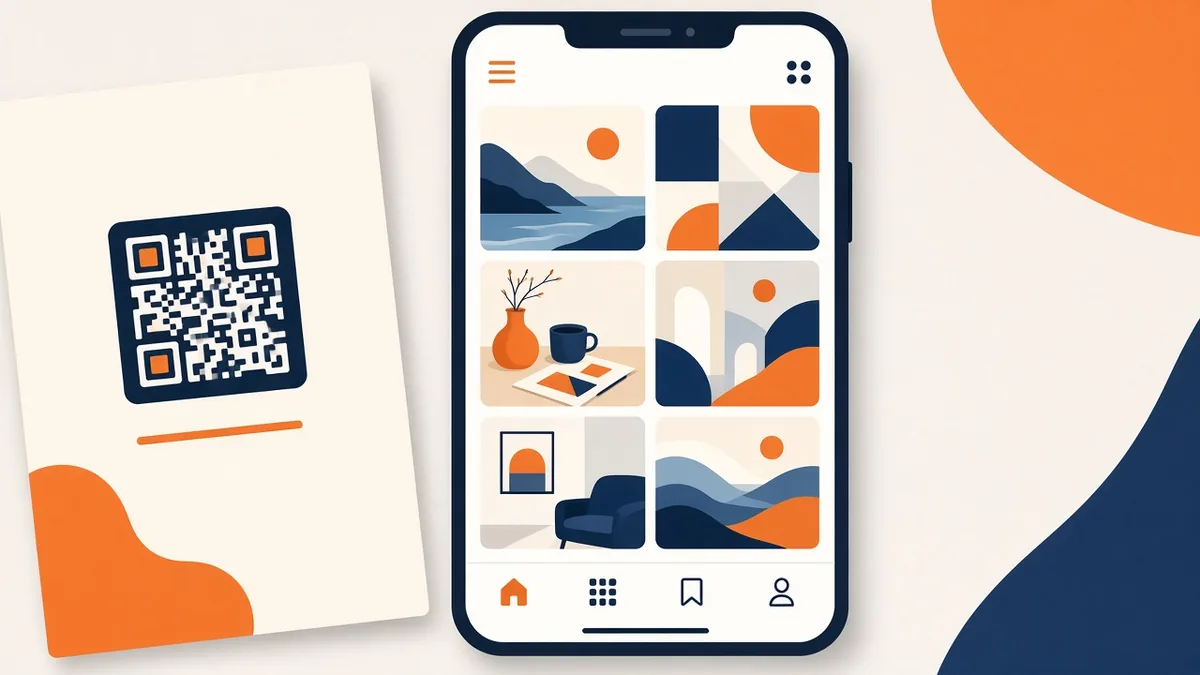
Freelancers have a problem paper can't solve. Your best work is photos, videos, websites or case studies, and a business card or flyer can only show a name and a line of text. A portfolio QR code fixes that. One scan and a potential client is looking at your projects on their phone, while you're still in the room.
This guide is for designers, photographers, writers, makeup artists, builders, tutors and anyone else who sells their skills. It covers what to link, where to print the code and how to make the page behind it actually win work.
Where a portfolio QR code works best
- Business cards. The obvious one. Put the code on the back so the front stays clean.
- Printed portfolio books and leave-behinds. Link to the full, up-to-date version or to video work that can't be printed.
- Flyers and posters. If you advertise locally, a code turns a poster into a gallery. See our guide to QR codes for flyers and posters.
- Product packaging and invoices. Makers and small studios can link happy customers to more of their work. Our QR codes on product packaging guide covers placement.
- Job applications. A small code on a printed resume points hiring managers to samples. Our resume QR code guide covers the resume itself.
- Market stalls and exhibitions. A table sign with a code lets browsers see your full range without crowding the booth.
What should the code open?
Link to a page you control and keep up to date:
- Your own website gallery. Best for long-term use. You own it and can arrange it however you like.
- A portfolio platform page. Fine if that's where your work already lives, as long as it loads fast on mobile.
- A PDF portfolio. Useful for writers, architects and consultants with case studies. Our PDF to QR code guide shows how. Keep the file under a few MB so it opens quickly on mobile data.
- A video reel. Videographers and animators can link straight to a showreel. See video QR codes.
- Instagram or another social feed. Works for visual work, but people can get distracted. Use it if your feed is your real portfolio.
Avoid linking to a generic homepage with no work on the first screen. The person scanning wants proof, fast.
Use a dynamic code for a portfolio
Portfolios change. You'll add new projects, drop old ones and maybe move platforms. With a dynamic QR code, the printed code stays the same and you just change where it points. You can also track QR code scans to see which cards, flyers or events bring in visits.
A static code is fine if you link to your own domain and you're sure the address won't change.
Design the code to match your brand
Creative clients will judge the code too. A clean, branded code looks intentional:
- Use your brand color for the pattern, as long as it stays dark against a light background. Our guide to custom QR codes with logos and colors explains what's safe.
- You can add a small logo in the center. Error correction stays at level M on qrfyy, so keep the logo small and test the scan.
- Add a call to action: "Scan to see my work", "View recent projects" or "Watch my reel".
- Keep it at least 2 cm wide on a business card and larger on posters. The QR code size guide has exact numbers.
Make the landing page do the selling
Most lost leads happen after the scan. Someone opens your page, sees a slow wall of images with no context and closes it. Fix that with a mobile-first page:
- Lead with your three best projects. Not your newest, your best.
- Add one line per project that explains the problem and result. "Rebranded a family bakery; online orders doubled in three months" beats "Bakery branding".
- Put contact options on every screen. A button to call, email or WhatsApp.
- Keep load time short. Compress images and avoid huge autoplay videos.
- Write a short, human about section.
That last point matters more than most people think. Many freelancers now draft their about section and project descriptions with ChatGPT, and they all start to sound the same: "passionate creative dedicated to delivering exceptional results". Clients skim right past it. If you used AI for the first draft, rewrite your portfolio and about text so it sounds like you, then add one or two real details, such as the kind of client you love working with or how you got started.
Mistakes that waste a portfolio QR code
- Linking to a login-only page. Some file shares and platforms ask the visitor to sign in. Test in a private browser window.
- Broken links after a redesign. If you move your site, update the dynamic code or set up a redirect. Our guide to a QR code that goes to the wrong link explains how to fix it.
- Tiny codes on dark cards. Light-on-dark or tiny codes often fail. Test before ordering 500 cards.
- No reason to scan. Always add a short label.
- Out-of-date work. If the first project is three years old, clients will assume you've stopped working.
Portfolio QR code ideas by profession
- Photographers: link to a client-proofing gallery or a curated set of ten favorite shoots, not your full archive.
- Graphic designers: link to case studies that show the brief, the sketches and the final result.
- Writers and editors: link to a PDF with three short samples and the publications they ran in.
- Makeup artists and hairstylists: link to a before-and-after gallery and a booking page.
- Builders and renovators: link to project photos with locations and timelines, which help homeowners trust you.
- Tutors and coaches: link to testimonials and a sample lesson video.
Whatever you do, pick the format a busy client can understand in 30 seconds.
A quick setup plan
- Choose the one page you want people to land on.
- Make it fast and mobile-friendly with your best work first.
- Create a dynamic code on qrfyy and add your color and logo.
- Download a high-resolution PNG or SVG for print.
- Test the printed proof on two different phones.
- Print, then check your scan stats after the first event or mailing.
FAQ
What is a portfolio QR code?
It's a QR code that opens your online portfolio, such as a website gallery, PDF or video reel, when someone scans it with a phone camera.
Should I use a static or dynamic QR code for my portfolio?
Dynamic is usually better because you can change the link later without reprinting. Static works if the address will never change.
Can I link a QR code to a PDF portfolio?
Yes. Upload the PDF and link the code to it. Keep the file small so it loads fast on mobile.
Where should I put a portfolio QR code on a business card?
The back of the card is best, with a short label like "Scan to see my work". Keep a white border around the code.
Will a colored QR code still scan?
Yes, if the pattern is dark and the background is light with good contrast. Test it on a few phones before printing. Create your free portfolio QR code on qrfyy and add it to your next print run.
Ready to create your own QR code?
Try qrfyy free