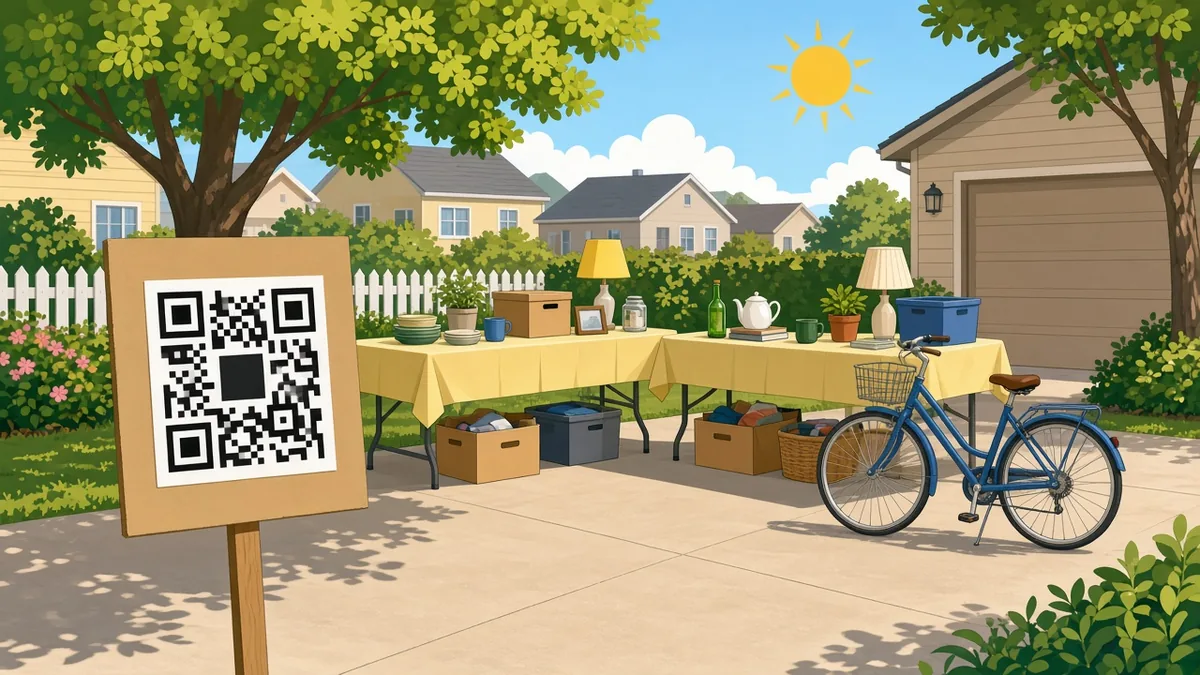
QR Code for Yard Sale Signs: Get More Buyers, Free
Use a free QR code on yard sale or garage sale signs to share item lists, prices, maps and payment links. Setup, sign tips, and mistakes to avoid.
By James Dom · ·
A yard sale lives or dies on two things: how many people show up, and how easily they can pay. Handwritten signs on lamp posts get a glance from passing drivers. A QR code on that same sign can give them an item list, a map pin and photos before they decide whether to turn the corner. Once they arrive, a second code at the table lets them pay without hunting for change.
This guide covers what to put behind each code, how to design signs people can actually scan, and the small details that make a weekend sale run smoother. Everything here can be done with a free generator in under ten minutes.
Why add QR codes to a yard sale
- Show more than a sign can hold. A sign fits "YARD SALE SAT 8–2." A code can open a photo list of furniture, tools and kids' clothes.
- Directions without confusion. A map code drops a pin on your driveway, so nobody circles the block.
- Cashless payments. Fewer buyers carry cash now. A payment code saves sales you would otherwise lose.
- Collect leftovers interest. Link to a short form where people can ask about items you haven't brought out yet.
The three codes most yard sales need
1. The sign code: your item list or photos
Put your best photos in a shared folder or a single PDF. Then turn it into a code:
- A PDF QR code for a simple price list with pictures.
- A Google Drive QR code for a photo album you can keep adding to.
Lead with big-ticket items, such as furniture, bikes, electronics and tools. They are what make drivers stop.
2. The directions code
A Google Maps QR code opens navigation straight to your address. It is especially useful on signs placed at main road junctions a few streets away.
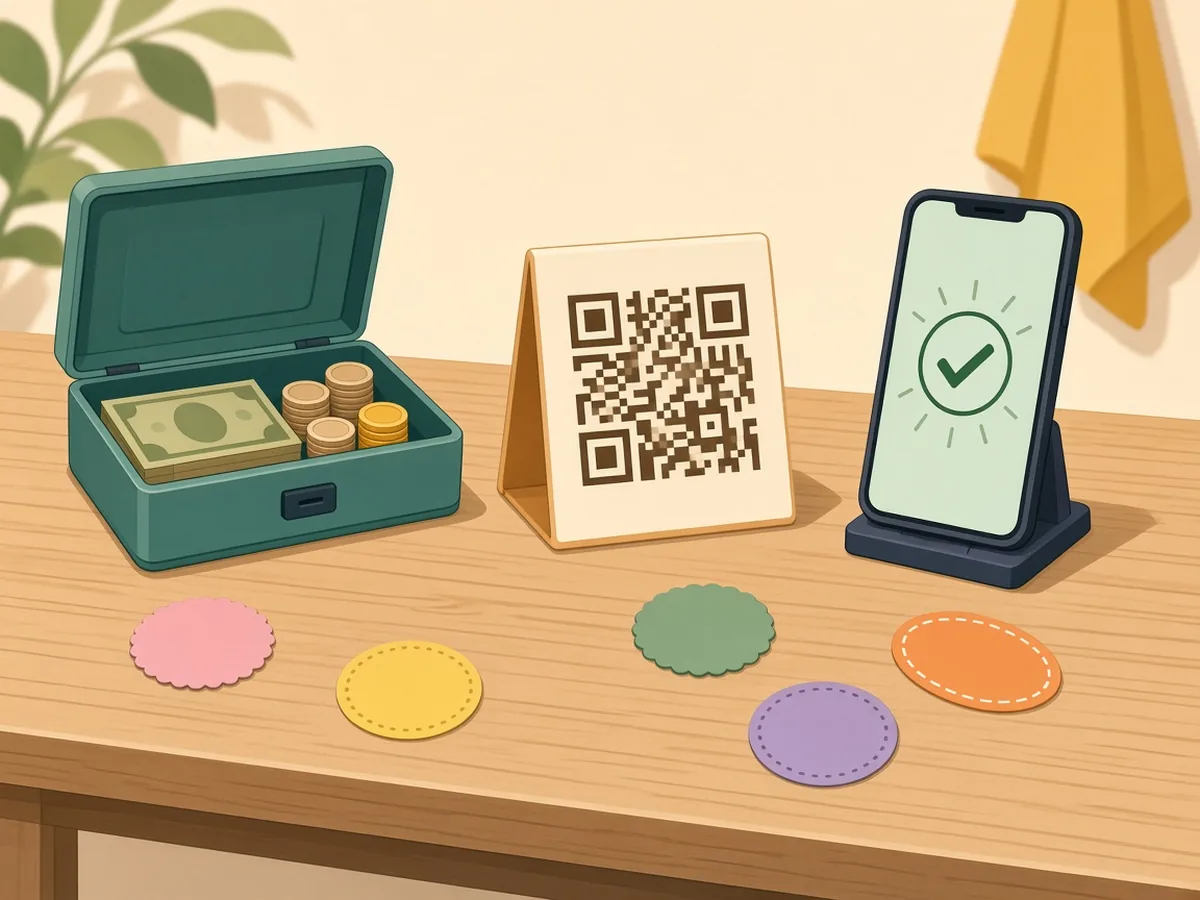
3. The payment code at the checkout table
Use whatever your buyers already have:
Print each payment code on its own card and label it clearly ("Venmo: @yourname"). Buyers can then confirm the name before they send money.
Bonus codes worth considering
- A WhatsApp or SMS code for "Message me about an item." Use a WhatsApp QR code or an SMS code.
- A feedback or wishlist link if you run sales regularly. Neighbours can tell you what they're looking for. See the feedback QR code guide.
- A social post link if you share the sale in a local group. Point a code at the post so people can comment and share.
Designing yard sale signs that get scanned
Drivers move fast. Walkers don't. Design for both.
- Big text first. "YARD SALE", the date and the time should be readable from a car. The QR code is for people on foot or stopped at a light.
- Code size: at least 10 cm (4 in) wide. Anything smaller is hard to scan from a pavement. The QR code size for printing guide explains the distance rule.
- Tell people what they get. "Scan for photos & prices" works far better than a bare code.
- Black on white. Bright neon sign boards look great, but a code on neon card can fail. Print the code on white paper and glue it on.
- Weatherproof it. Slip signs into clear sheet protectors, or cover the code with packing tape.
More layout ideas are in QR codes for flyers and posters.
A sample sign layout that works
Here's a layout many sellers use successfully on a standard A3 or poster board:
- Top third: "YARD SALE" in thick black letters, with the date and time underneath.
- Middle: an arrow pointing the right way, plus your street name.
- Bottom third: the QR code (10–15 cm) on a white panel, with "Scan for photos & prices" right above it.
Make one master sign, then print copies for every corner. Matching signs also help drivers recognise that they're following the same sale.
Static or dynamic for a yard sale?
A one-off sale works fine with static codes. They're free forever and need no account.
If you hold sales every month, or want to reuse the same signs, a dynamic QR code lets you change the destination each time. You could point it at this month's photo album without reprinting. qrfyy's dynamic codes also show basic scan counts, so you can see which sign location worked best.
Step-by-step setup (10 minutes)
- Photograph your top 15–20 items in daylight.
- Upload them to a Drive folder or make a one-page PDF with prices.
- On qrfyy, create a PDF or Drive QR code for the list.
- Create a Maps code for your address.
- Create one payment code per app you accept.
- Add a short printed label next to each code. Frame words on qrfyy are preview-only and are not in the downloaded PNG.
- Download PNG or SVG and print. SVG is the vector file; PDF and EPS wrap a PNG. Then scan every code from 1–2 metres away to test it. Use the testing checklist.
Safety and etiquette
- Watch for payment confirmation. Ask buyers to show the "sent" screen before they leave with items.
- Don't share more than needed. Your sign code doesn't need your phone number or full name.
- Remove signs afterwards. Many towns fine people for leaving signs up. Old codes also send people to a sale that's over.
- Check local rules about signs on public poles.
Buyers can also check codes before opening them. Point anyone worried to how to check a QR code link before opening.
Mistakes that waste a good sign
- A tiny code in the corner that nobody can scan from the pavement.
- No label, so people don't know what the code opens.
- A Drive folder left private, so scanners hit a "request access" wall.
- A payment code that points to the wrong account. Always test with a small payment first.
If you used AI to write your item list or the sale post the code links to, give it a quick pass so it sounds like a neighbor and not an ad. A free AI humanizer can loosen up stiff wording in a few seconds.
FAQ
Can I make yard sale QR codes for free?
Yes. Static QR codes on qrfyy are free with no signup or watermark, including PDF, Maps and payment-link codes.
What size should the QR code be on a yard sale sign?
At least 10 cm (4 inches) wide for a sign people read from a few steps away. Go bigger for signs at road junctions.
Do buyers need an app to scan?
No. Modern iPhone and Android cameras scan QR codes directly.
Can I use one QR code for both photos and payment?
It's better to keep them separate. One code at the sign for photos and directions, and payment codes at the table.
What if I add more items on the morning of the sale?
Use a Drive folder rather than a PDF. New photos appear in the folder without changing the code.
Does this work for estate sales and moving sales too?
Yes. The same setup works for any one-day sale, and it helps most with larger inventories such as furniture.
Ready to create your own QR code?
Try qrfyy free